

table of contents

You need a dedicated app to customize your home screen in style! This is the definitive version of the dress-up app that has all the dress-up materials!
Clocks are an essential part of our daily lives. Are you looking for a simple, easy-to-read clock app, or maybe want to decorate your screen with a stylish clock? In this article, we’ll introduce 13 of the best clock apps, from minimal designs to multifunctional ones with widget support!
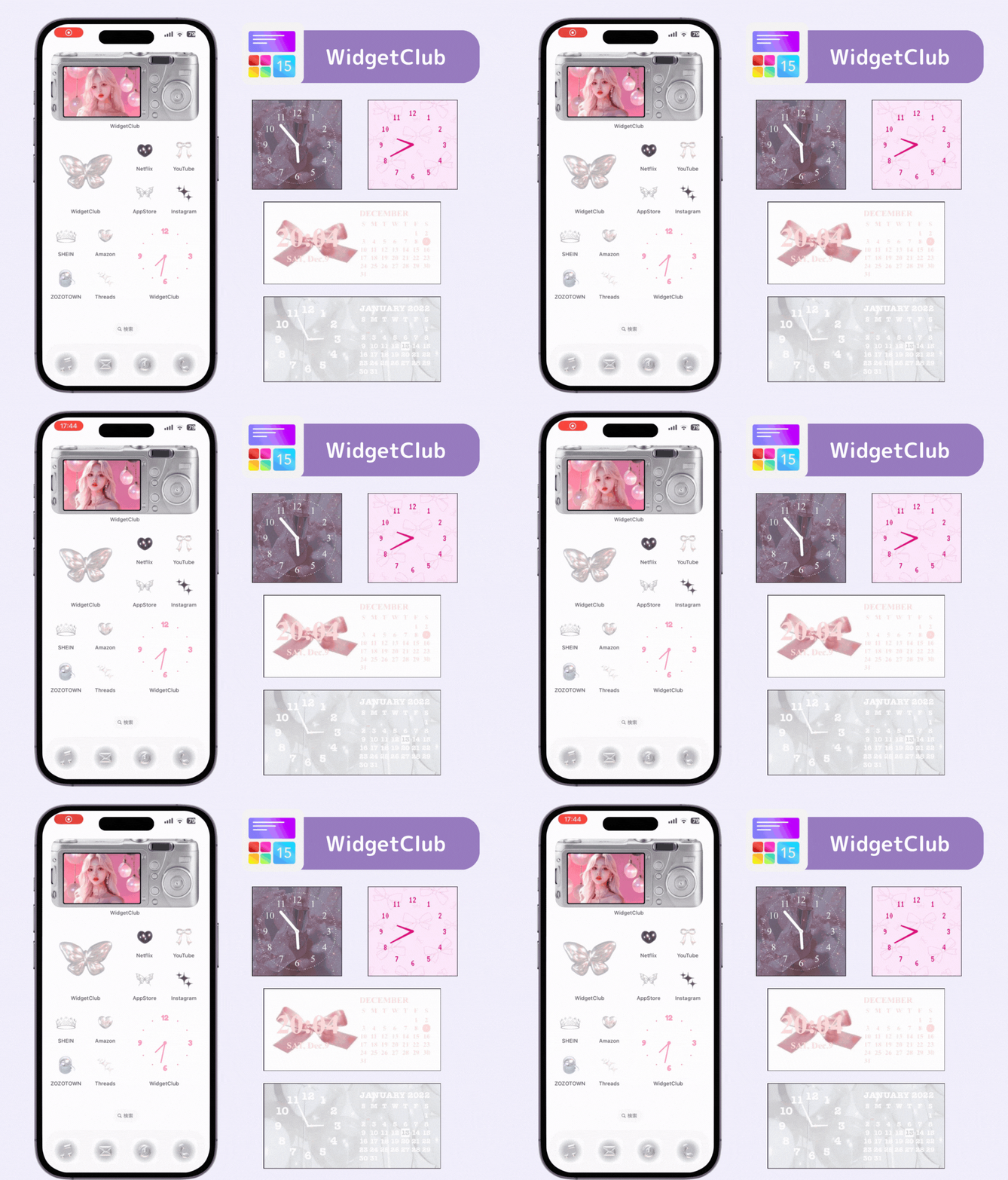
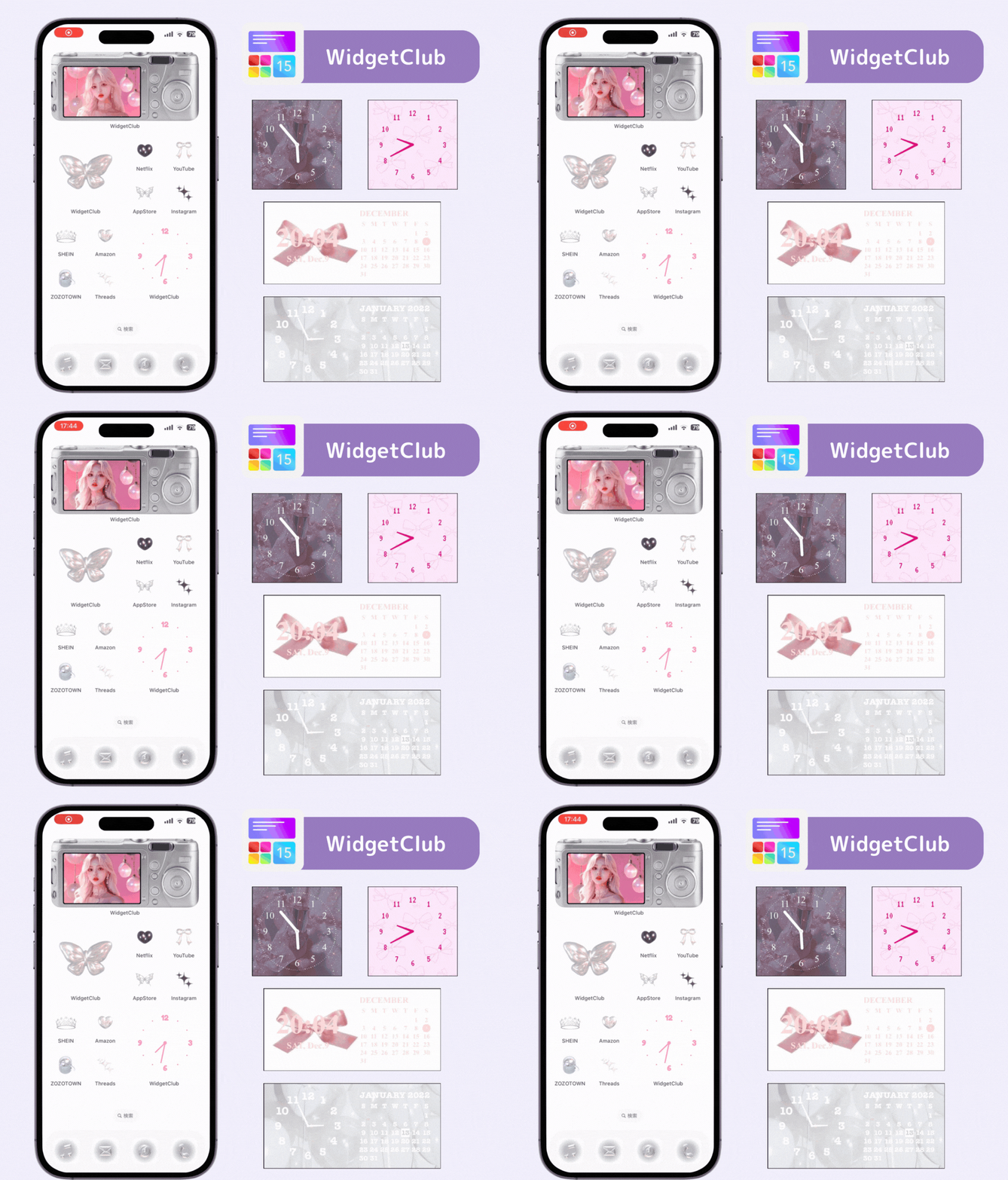
With the customization app WidgetClub, you can turn your clock into your own original design! Customize wallpapers, icons, and widgets to create a stylish home screen 🙌🏻
Both iOS and Android devices come with default clock apps. Before diving into our recommendations, let’s take a look at these built-in apps!
The Clock app is preinstalled on iOS. It includes features like World Clock for checking time zones worldwide, Alarm for scheduled alerts, and Timer for time tracking. The widget feature lets you display a simple analog clock. If all you need is to keep track of the time, the built-in app works perfectly—and yes, it supports widgets!

The Android Clock app also includes alarms, timers, and a stopwatch, in addition to showing the time. You can even use Google Assistant to set alarms or timers hands-free! The widget offers both digital and analog styles, so you can choose your favorite look.

Feeling bored with the default clock? Want to customize your home screen with a more fashionable clock? Here are four apps to give your screen a stylish upgrade!
WidgetClub lets you fully customize your home and lock screens. With its clock widgets, it also serves as a clock app! You can display not just analog and digital clocks but also widgets for the date, weather, anniversaries, and calendar. From minimalist designs to fancy ones, you can enjoy matching your clock with your theme.
DIGI is an Android clock app with extensive customization options. You can change colors, fonts, and other settings freely to make the clock your own. Perfect for Android users who value clock personalization!

The MD Clock boasts a minimalist, sophisticated design.
You can customize the layout, colors, and background to create a simple yet expressive display.
It supports both analog and digital modes and offers widget compatibility—perfect for those who want a smart, elegant home screen.

This full-screen flip-style clock displays time with beautiful motion transitions. You can also use the widget feature to show this elegant design on your home screen. Plus, you can display your favorite words or quotes below the clock—for example, inspiring anime quotes or personal mottos!

A minimalist Android clock app that displays hour, minute, second, and date in large, clear text.
It’s perfect as a desk clock when you’re not using your phone.
Users love it for its readability and simple design.

Ever wanted to check both the time and the weather in the morning?
Here are three apps that make that easy!
An Android app that shows time, date, and weather. You can customize fonts and colors for every element. The best part? Its transparent widget combines the clock with hourly weather updates in a clean, stylish way.

YoWindow is a weather app with a beautiful animated background that changes in real time based on the current weather and time of day. You can customize the scene freely and check detailed forecasts for the upcoming week. A great way to enjoy the day while keeping track of both time and weather.

Fine° is a beautifully designed weather app featuring smooth animations and gradient colors. Tap on the map to instantly check the weather, time, and time difference for any location worldwide.
The widget shows current and upcoming (12-hour) weather at a glance.

Having trouble waking up? Here are three apps designed to make sure you never oversleep again!
A multifunctional alarm app that helps you start your day smoothly. It features two types of alarms: Wake-up and Departure, with countdowns to help manage your morning routine. You can also customize alarm tones and schedules by day of the week.

Alarmy is a creative alarm app designed to ensure you wake up. You must complete a mission to stop the alarm—for example, taking a photo of a specific location you registered beforehand! Other missions include shake missions (shaking your phone) and math problems. It’s perfect for deep sleepers!

A customizable alarm clock with both analog and digital displays. You can choose your favorite music as the alarm tone and set persistent alarms with snooze prevention. Simple yet powerful, this app helps you wake up in your own style.

Clock apps aren’t just for telling time anymore—they now include alarms, timers, stopwatches, weather, and calendars. For example, the Digital Clock & Weather Widget shows both time and weather, while Swiftme helps manage your morning prep time. Check which features suit your daily routine.
Since you’ll use it every day, ease of use matters. Apps like the WidgetClub offer ready-made templates and intuitive interfaces. Voice control, like in Android’s default Clock app, is also convenient when your hands are full.
If it’s going to sit on your home screen, you want it to look good. Apps like DIGI Clock Widget and MD Clock allow detailed customization of fonts, colors, and backgrounds.
A: Install a clock app that supports widgets, such as WidgetClub or DIGI Clock Widget, and choose your favorite clock design.
A: Some battery use increases if you use always-on displays or live wallpapers, but most modern apps are energy-efficient. To save power, reduce screen brightness or use darker themes on OLED screens.
A: Yes. Apps like DClock and LED Digital Clock: Table Clock show seconds digitally. However, note that iOS widgets can’t show real-time moving second hands on the home screen, so you’ll need to open the app for that.
We introduced 13 of the best clock apps. While there are many types, we recommend apps that support widgets so you can display your favorite clock style right on your home screen!
When it comes to customizing your smartphone, wallpapers are a must! But... did you know you can also make your widgets and icons stylish? With the WidgetClub customization app, you can change them to match your taste🧚 Give it a try!

WidgetClub Editorial Team
The official media team managing the smartphone customization app "WidgetClub." We share information centered on convenient ways to use iPhones and Androids, noteworthy apps, and tips for utilizing new features, all aimed at making your daily smartphone experience more enjoyable and personal. Leveraging our years of accumulated knowledge in gadgets and mobile technology, we strive to create articles that are easy to understand, even for beginners.
Liume inc.
Representative Director & CEO Saeko Usami
After graduating from the Faculty of Economics at Keio University, I worked as an editor in the news media division of an internet portal company and, from the early days of mobile apps, engaged in product development and marketing for iPhone and Android applications. I founded Liume Inc. in June 2021 and released an app in September 2021 that lets users stylishly customize their smartphone home and lock screens with widgets, wallpapers, and icons. Our iPhone and Android apps have surpassed 9 million total downloads. I have been an iPhone user for over 15 years.