

table of contents

You need a dedicated app to customize your home screen in style! This is the definitive version of the dress-up app that has all the dress-up materials!
Lock screen widgets have become an essential feature on iPhones—but did you know they can make your daily life even more convenient?
From widgets that show your next event or to-do list at a glance, to anniversary counters and animated widgets, we’ve rounded up 18 unique and practical lock screen widgets every iPhone user should check out!

You can display a variety of stylish widgets—such as anniversaries, memos, photos, or countdowns—right on your lock screen. It also includes an app launcher feature that lets you open your favorite apps or websites directly from the lock screen. WidgetClub is an all-in-one customization app with everything you’d want for lock screen widgets—and it’s free to use!

You can even set moving wallpapers using your favorite photos or images of your favorite artist. Did you know you can also customize your iPhone’s lock screen clock? Combine it with widgets for an even more personalized look!
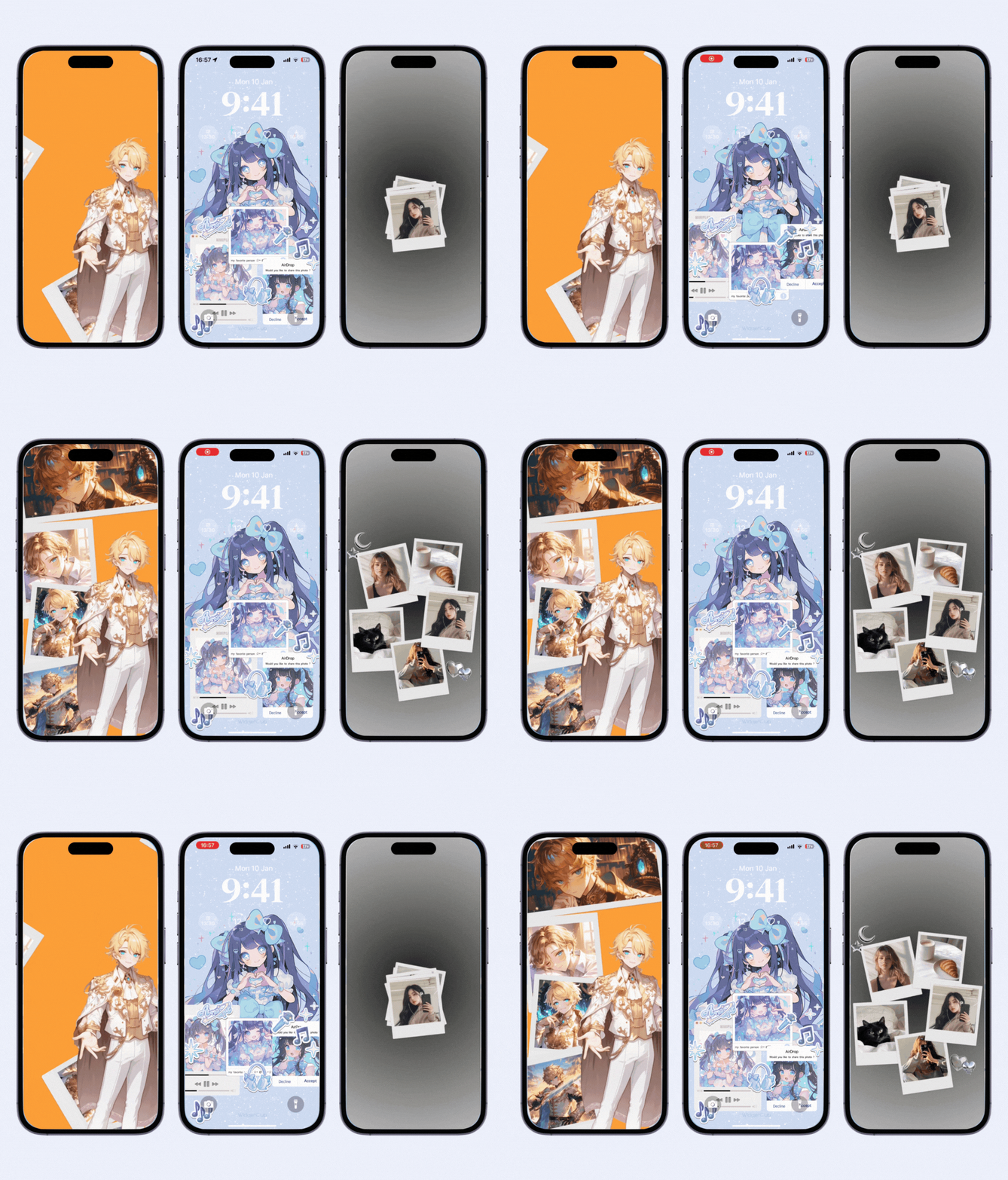
Your lock screen is the perfect place to show frequently viewed info—like the weather! Apple’s default Weather app offers lock screen widgets for temperature, UV index, sunrise and sunset times, precipitation, wind, air quality, and even moon phases.

If you often think, “I have so much to do today, but where do I start?”, the Calendar widget is perfect for you. The small square widget shows your next event, while the larger rectangular one displays the date and event title.
Even when you’re in a rush or can’t unlock your phone, you can instantly check your schedule right from the lock screen.

iScreen offers adorable animated widgets, couple-themed matching widgets, and other fun designs that make your lock screen stand out. It also provides practical widgets like device info displays in a sleek, minimalist style.

Perfect for the forgetful! The Reminders widget lets you view your to-do list—like work tasks or shopping lists—on your lock screen. You can check off completed items and set alerts to make sure you never miss a task again.

This Korean app, Photo Widget, includes cute to-do lists, horoscope displays, and more creative options. You can also show your calendar or battery level (though the battery widget sometimes doesn’t display exact numbers).

If the small battery icon in the corner is hard to see, the Battery widget is for you. The small widget shows a visual indicator, while the larger one displays the exact percentage.
It also shows the remaining charge of your AirPods—no need to open the case! Perfect for those who often forget to charge them.

*No need to download the app
This app is great for long-distance couples!
It can show the distance between you and your partner based on your current locations, letting you watch the distance shrink as your next meeting day approaches.
There’s also a “Miss You” feature you can send to each other by sharing a friend code. Why not suggest it to your partner?

Mico Widget lets you turn your favorite videos or GIFs into moving lock screen widgets. You can select up to six frames from your media to create an eye-catching animated display.

Popular worldwide, Motivation displays inspiring quotes to lift your spirits. It supports lock screen widgets and shows text.

If you drive or walk often, this widget is extremely useful. You can set your regular routes, and it will display estimated arrival times and traffic conditions so you can plan accordingly. The small widget acts as a shortcut—tap it to open Maps with the search bar ready.

For those who need to stay on top of their inbox, the Gmail widget shows how many new messages you have directly on your lock screen.
It helps you respond faster and stay organized throughout the day.


That’s it—your widget is now set!

Download the app beforehand!


We’ve introduced 12 great lock screen widgets to make your iPhone more convenient and fun. From weather and schedules to news, health, and motivation—there’s a widget for every lifestyle.
By the way, you can also customize the clock font, color, and weight on your lock screen. Try creating a setup that fits your style and makes your daily routine even smoother!
If you want a lock screen that stands out, WidgetClub is the way to go. It offers not only lock screen widgets but also animated wallpapers and home screen customization features—all in one app. While some features are premium, the free version offers plenty of customization options to start with. Check it out!
WidgetClub Editorial Team
The official media team managing the smartphone customization app "WidgetClub." We share information centered on convenient ways to use iPhones and Androids, noteworthy apps, and tips for utilizing new features, all aimed at making your daily smartphone experience more enjoyable and personal. Leveraging our years of accumulated knowledge in gadgets and mobile technology, we strive to create articles that are easy to understand, even for beginners.
Liume inc.
Representative Director & CEO Saeko Usami
After graduating from the Faculty of Economics at Keio University, I worked as an editor in the news media division of an internet portal company and, from the early days of mobile apps, engaged in product development and marketing for iPhone and Android applications. I founded Liume Inc. in June 2021 and released an app in September 2021 that lets users stylishly customize their smartphone home and lock screens with widgets, wallpapers, and icons. Our iPhone and Android apps have surpassed 9 million total downloads. I have been an iPhone user for over 15 years.