


You need a dedicated app to customize your home screen in style! This is the definitive version of the dress-up app that has all the dress-up materials!
When you set a wallpaper on your iPhone, you’ve probably run into this problem: the image you want to use doesn’t match your screen size. If that sounds familiar, this article is for you. Below can help you resize and adjust images so they fit your iPhone wallpaper perfectly.
This app lets you create a perfectly fitting wallpaper just by selecting your iPhone model and picking a background color.


You don’t necessarily need to download anything—Apple’s built-in Photos app can also be used to adjust wallpapers.

We introduced three apps that help you fit your wallpaper perfectly to your iPhone screen size. Pick the app that matches your needs, adjust your wallpaper in a few quick steps, and customize your iPhone to feel more like “you.” Use the apps above to enjoy the wallpaper you’ve been aiming for.
It’s a good idea to memorize your phone’s screen resolution. You can check the resolution in the article below.
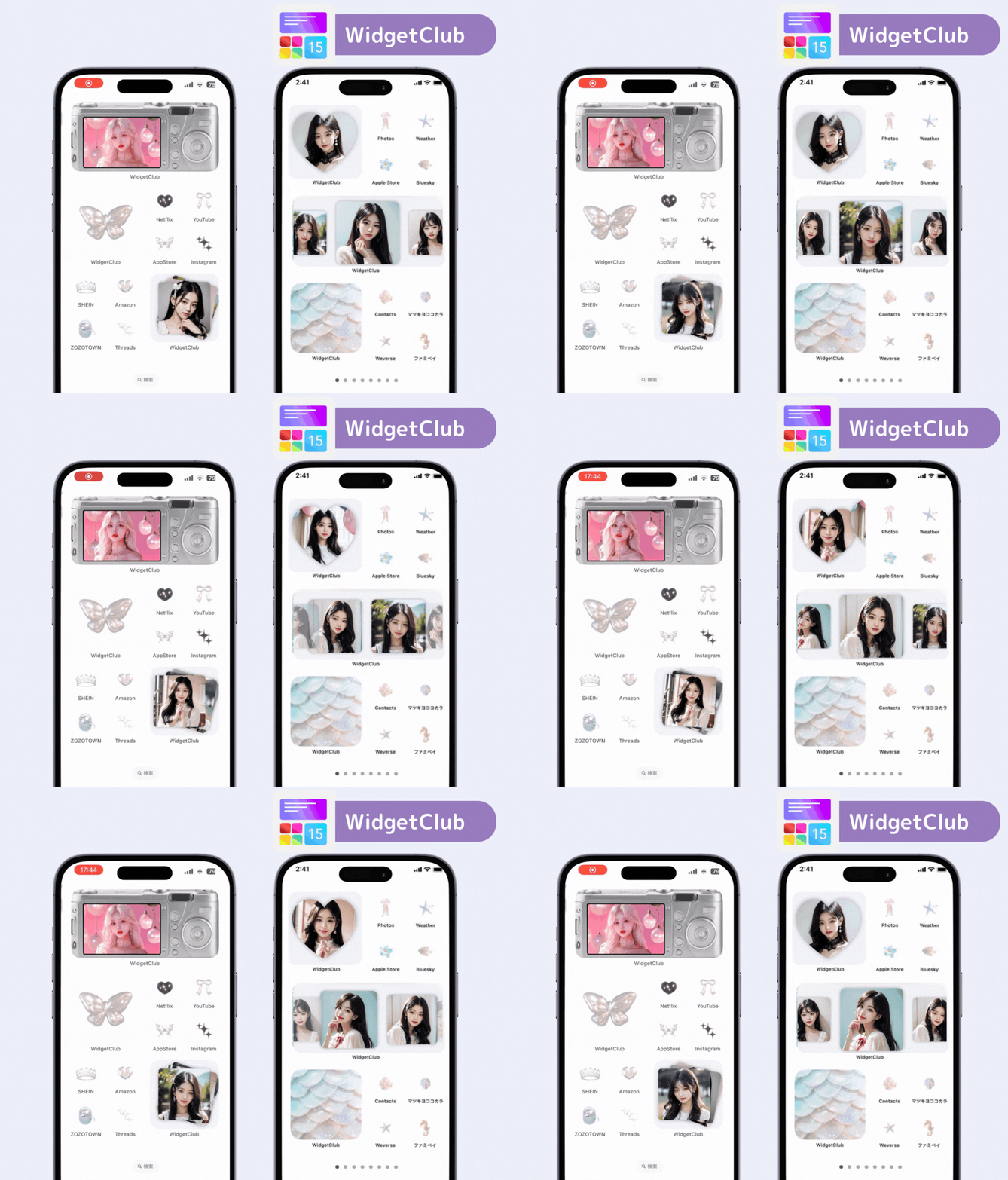
If you want a more stylish home screen or lock screen, the WidgetClub app is recommended. There are so many wallpapers, and you can also combine widgets and icons to customize your phone cutely and stylishly.
WidgetClub Editorial Team
The official media team managing the smartphone customization app "WidgetClub." We share information centered on convenient ways to use iPhones and Androids, noteworthy apps, and tips for utilizing new features, all aimed at making your daily smartphone experience more enjoyable and personal. Leveraging our years of accumulated knowledge in gadgets and mobile technology, we strive to create articles that are easy to understand, even for beginners.
Liume inc.
Representative Director & CEO Saeko Usami
After graduating from the Faculty of Economics at Keio University, I worked as an editor in the news media division of an internet portal company and, from the early days of mobile apps, engaged in product development and marketing for iPhone and Android applications. I founded Liume Inc. in June 2021 and released an app in September 2021 that lets users stylishly customize their smartphone home and lock screens with widgets, wallpapers, and icons. Our iPhone and Android apps have surpassed 9 million total downloads. I have been an iPhone user for over 15 years.