


You need a dedicated app to customize your home screen in style! This is the definitive version of the dress-up app that has all the dress-up materials!
Weather apps are super handy for checking the forecast each day. But with so many options, you might wonder, “Which one is best?” or “I want the most accurate forecast—what should I use?”
This article answers those questions with 5 top-recommended weather apps and a simple guide to choosing the right one. We’ve carefully selected apps with different strengths, so if you want to find the weather app that fits you, use this as a reference!
WidgetClub is a phone “dress-up” app for stylish Home Screen customization. It boasts one of Japan’s largest selections of weather-widget designs. With plenty of seasonal and mood-based options, you can tailor everything to your taste.
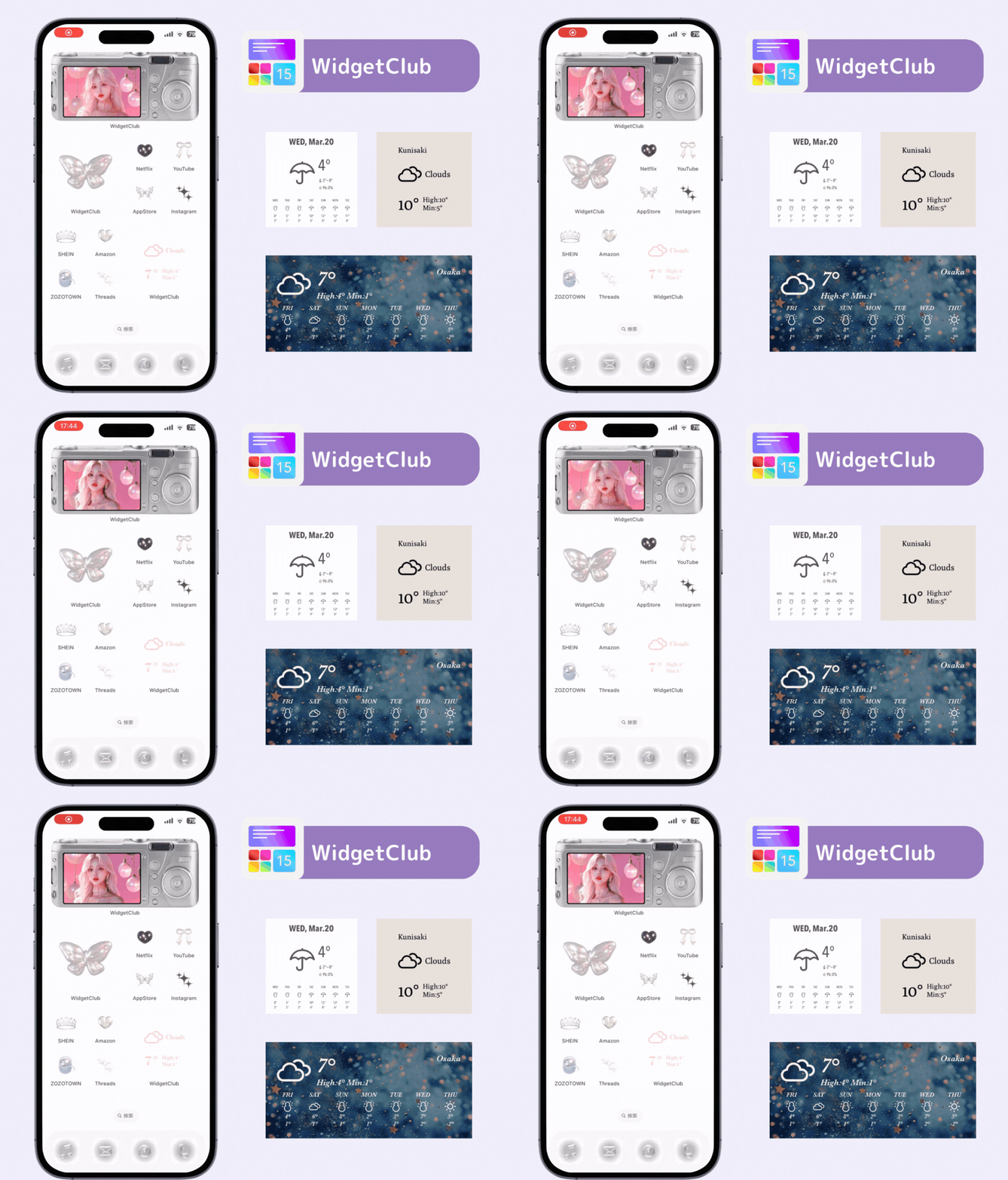
Up to 1 week ahead
◯: Built around widgets—you can design your own
One of the world’s most-used weather apps, combining many weather models with AI and expertise to deliver accurate forecasts.

Up to 15 days ahead
◯: Current conditions, radar, 15-minute precipitation, and more
A comprehensive weather app paired with user-submitted landscape photos. The top screen shows photos taken by users and photographers; images similar to the local weather mood are randomly selected for the place you’re checking.

Hourly, 1-week, 2-week (global)
◯: Highly customizable—hourly UV, forecast, detailed, simple, etc.
A world weather & clock app optimized for travelers. Long-press on the map to see any city’s weather, local time, and time difference with beautiful animations and gradients.

Every 3 hours, up to 1 week ahead
◯: Weather and time for selected locations
It’s crucial that the app provides the information you require. Beyond basic conditions and temperature, features like a detailed rain-cloud radar, UV, and pollen help you avoid bad weather in advance.
Some apps even show laundry-drying ease, foliage updates, or outfit suggestions. Choose one that regularly provides info aligned with your lifestyle.
Designs and usability vary widely. Since you’ll use it daily, choose one where the information you want is easy to find and the operation feels simple—you might even find gloomy weather more fun with a nice-looking app.
Try a few apps yourself and read reviews to compare looks and feel, then pick what suits you best.
Widgets make phone-based weather checks fast. If the app supports widgets, you can see info on your Home Screen without opening the app. Many major apps—Yahoo! Weather, Weathernews, WidgetClub, etc.—already support widgets, so take advantage.
In this article, we introduced 5 recommended weather apps and how to pick one. Even within the “weather app” category, features and strengths differ greatly. Decide whether you want precise forecasts to dodge rain, or you prioritize design and usability to enjoy checking the weather—then choose the app that fits you best!
When it comes to customizing your smartphone, wallpapers are a must! But... did you know you can also make your widgets and icons stylish? With the WidgetClub customization app, you can change them to match your taste🧚 Give it a try!

WidgetClub Editorial Team
The official media team managing the smartphone customization app "WidgetClub." We share information centered on convenient ways to use iPhones and Androids, noteworthy apps, and tips for utilizing new features, all aimed at making your daily smartphone experience more enjoyable and personal. Leveraging our years of accumulated knowledge in gadgets and mobile technology, we strive to create articles that are easy to understand, even for beginners.
Liume inc.
Representative Director & CEO Saeko Usami
After graduating from the Faculty of Economics at Keio University, I worked as an editor in the news media division of an internet portal company and, from the early days of mobile apps, engaged in product development and marketing for iPhone and Android applications. I founded Liume Inc. in June 2021 and released an app in September 2021 that lets users stylishly customize their smartphone home and lock screens with widgets, wallpapers, and icons. Our iPhone and Android apps have surpassed 9 million total downloads. I have been an iPhone user for over 15 years.