

table of contents

You need a dedicated app to customize your home screen in style! This is the definitive version of the dress-up app that has all the dress-up materials!
Widgets make your iPhone more convenient and stylish. Did you know that by installing certain apps, you can unlock even more customization and features? Here are the widgets we recommend for iPhone users.
A widget lets you display part of an app’s features on your Home Screen or Lock Screen. It’s super handy because you can check information without opening the app. Some apps also support Lock Screen widgets.

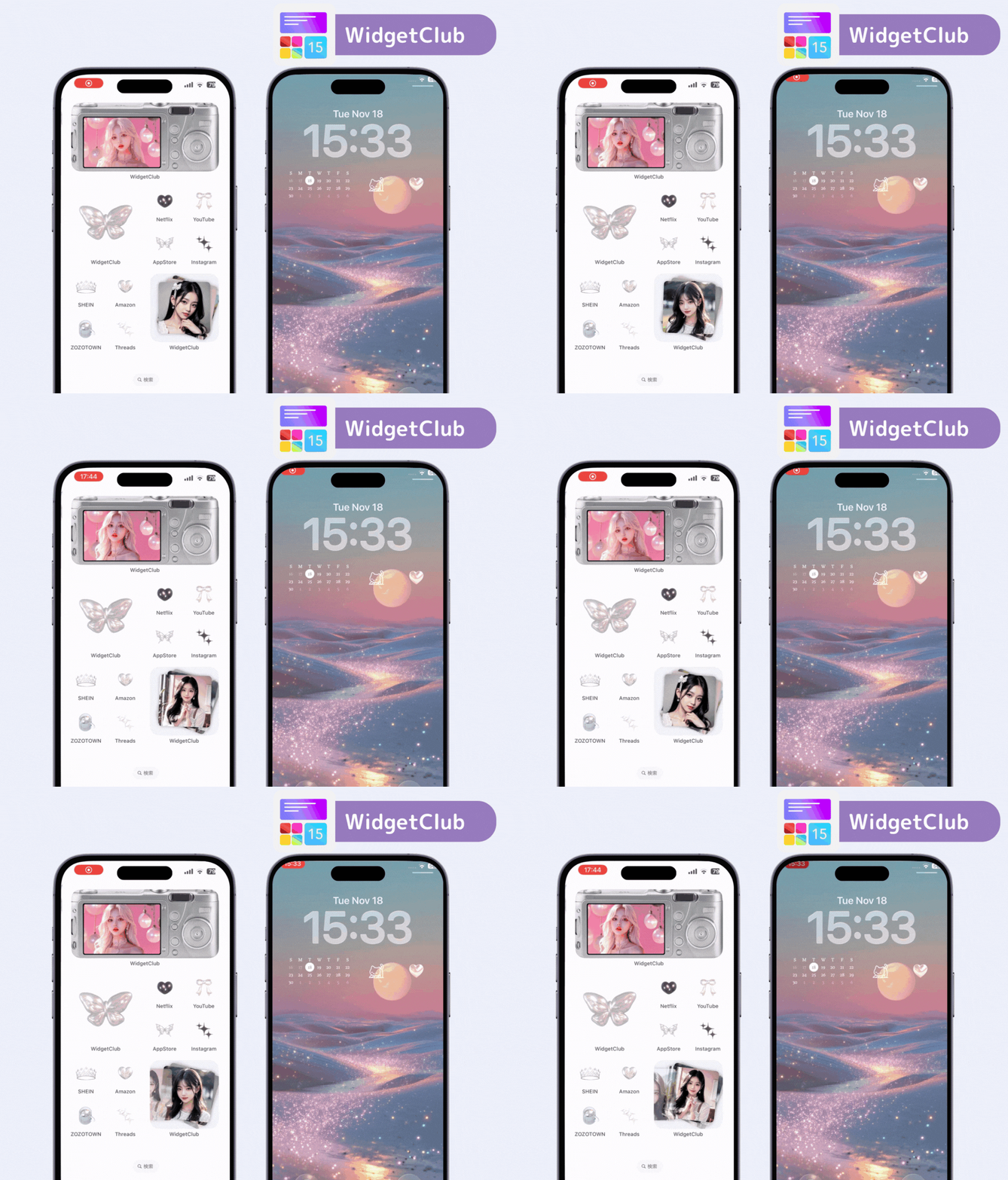
Animated widgets are possible with WidgetClub. If you want convenient and stylish widgets, WidgetClub is the top choice—and it supports Lock Screen widgets, too.


Some apps don’t support widgets. To check support, look at the app details or install the app and see if you can add a widget—this can be a bit of a hassle. That’s why WidgetClub is recommended: you can add many types of widgets (clock, music, weather, calendar, schedules, and more). There are also animated photo/video widgets—perfect if you want a dynamic Home Screen.

Beyond widgets, you can also customize app icons. Matching your icons with your widgets gives your Home Screen a unified, cute look. With ready-made templates, even beginners can switch things up easily.
A calendar app known for its minimal, easy-to-read design. You can see your schedule in a monthly view, and it offers a rich selection of widgets for both the Home Screen and Lock Screen.
You can also tailor the look with color themes, fonts, dark mode, and app icon changes. A paid plan expands your customization options, but the free version is more than usable.

A built-in iOS feature that visually displays battery levels on your Home Screen or Lock Screen—no extra app required. Just search for “Battery” on the widget add screen. In addition to your iPhone, you can view the battery levels of connected AirPods, Apple Watch, and other Bluetooth devices. Multiple display styles are available, and you can choose small, medium, or large sizes.

*No need to download an application
YouTube’s native widgets come in two types: “Search YouTube” and “Quick Actions.” Quick Actions gives you easy access to search, Home, Shorts, and Subscriptions.

They’re part of the premium plan, but they look great. Set your favorite YouTube channel, and it will display on the widget; tap to jump straight to the latest video.

A simple app for managing everything from quick notes to project tasks and shopping lists. Available on all Apple devices, including iPhone, iPad, Mac, and Apple Watch. On the Home Screen, you can add three types of widgets that access your Reminders lists; the Lock Screen also supports one type.

Easily record and organize text, images, audio, handwriting, and more. It works across all Apple devices and syncs automatically via iCloud. Home Screen widgets: “Folders,” “Notes,” and “Quick Note.”

(Not supported on the Lock Screen.)
A beautifully designed pedometer app. It stylishly tracks not only steps but also calories, distance, time, and floors climbed. With workout features, it’s great for dieting and sports.
It offers a variety of widgets for the Home Screen—such as “Today’s Steps,” “7-Day Steps,” and “Trends.” It also supports Lock Screen widgets, where you can check not only today’s steps but also distance and time. The basic step-tracking features are free.


Note: Starting with iOS 26, you can move widgets to the bottom of the screen. Here’s how.


You can also add widgets to Today View, which appears when you swipe right on the Lock Screen or Home Screen.


We introduced must-have widgets to add to your iPhone. Use this as a reference and try the ones that interest you. Among them, WidgetClub stands out for how easily you can set up a wide variety of stylish widgets.
WidgetClub Editorial Team
The official media team managing the smartphone customization app "WidgetClub." We share information centered on convenient ways to use iPhones and Androids, noteworthy apps, and tips for utilizing new features, all aimed at making your daily smartphone experience more enjoyable and personal. Leveraging our years of accumulated knowledge in gadgets and mobile technology, we strive to create articles that are easy to understand, even for beginners.
Liume inc.
Representative Director & CEO Saeko Usami
After graduating from the Faculty of Economics at Keio University, I worked as an editor in the news media division of an internet portal company and, from the early days of mobile apps, engaged in product development and marketing for iPhone and Android applications. I founded Liume Inc. in June 2021 and released an app in September 2021 that lets users stylishly customize their smartphone home and lock screens with widgets, wallpapers, and icons. Our iPhone and Android apps have surpassed 9 million total downloads. I have been an iPhone user for over 15 years.