

table of contents

You need a dedicated app to customize your home screen in style! This is the definitive version of the dress-up app that has all the dress-up materials!
If you want to avoid forgetting birthdays or anniversaries—or you simply want to know how many days remain until a big event—a countdown app is your friend. The challenge is that countdown apps vary widely in features and design, so it’s hard to know which one to pick.
In this article, we introduce 12 recommended countdown apps. All are free and useful in a variety of situations, so find the app that fits you best!
WidgetClub lets you match your widgets to your phone’s overall theme and display a countdown to any anniversary. You can show the remaining days on your Home Screen or Lock Screen, helping you avoid forgetting important events or birthdays—and plan gifts or celebrations in time.

It’s also popular as an “oshi-katsu” (fan activity) tool: show countdowns to concerts or debut anniversaries right on your Lock Screen. With tons of features for cute, stylish Lock Screen customization, this is a great pick if you want an aesthetic countdown app.

TheDayBefore lets you track countdowns and days elapsed. Choose from common event templates or customize how to count (by week/month/year, etc.).
A highlight is the Story feature, where you can add notes and up to 10 images per story—perfect for looking back on special memories like anniversaries or your child’s growth diary. The widget lets you check upcoming events right from the Home Screen.

The Couple is a countdown app for couples. Enter the day you started dating, and it will automatically mark the 100-day, 1-year, and other milestones so you don’t miss a thing. You can also add your own special dates.
Record memories with photos in the story section and check birthdays and anniversaries via the Home Screen widget—ideal for anyone who cherishes relationship milestones.

ScheduledDay counts down the days to your registered special dates. The simple setup—just choose a purpose and date/time—makes it beginner-friendly.
It supports widgets, so the anticipation builds every time you look at your phone. With add-ons, you can customize background and text colors to your taste. (On Android, the widget feature is provided.)

Countdown Days App & Widget places countdowns for birthdays, anniversaries, and more on your Home Screen, with lots of designs to choose from.
A built-in calendar view shows monthly events at a glance, so even with many countdowns, you’ll stay organized. You can set notifications per event, too. Pick a look for each event and enjoy counting down every day.

This app shows days remaining to a target date and includes widgets. Choose from four circular widget sizes and switch themes to match your mood or colors. The moving ring makes it easy to visualize progress. It includes a backup feature, so you can keep your widgets when changing phones. A simple, easy-to-use choice for Android users.

Big Days manages days remaining and days elapsed. Register birthdays or anniversaries to see the countdown and customize with photos. You can enable notifications and share your photo-based countdown screen to social media directly from the app. Great if you want a straightforward, photo-driven countdown.

This app counts down to events and also counts up from past dates. You can register unlimited events—try saving everyday moments as “anniversaries,” too. Set your own photos as backgrounds and share images on X and other social platforms. It supports widgets and scheduled notifications—ideal if you want Lock Screen visibility plus alerts.

It shows days remaining to your registered events with a clean, intuitive layout. Track birthdays, deadlines, and more—and review past events as well. With its widget, you’ll see days remaining at a glance on the Home Screen. A great fit for anyone who wants a simple countdown app for basic schedule management.

Countdown° helps you count down to important dates you don’t want to forget. It has a clean, stylish look and includes features like widgets and event sharing with friends. It also syncs with the iOS Calendar, automatically reflecting events you add in the app to your original calendar. A strong pick if you want a countdown app that integrates with Apple’s calendar.

This app is for those who don’t want to miss significant days. It offers many cute background illustrations and a charming aesthetic, with simple controls for quick setup. A passcode lock enhances privacy. Add the widget to your Home Screen to check countdowns without opening the app.

Countdown Buddy tracks days until fun events—birthdays, anniversaries, vacations—and offers many layout options with detailed design customization. Adding a countdown is simple—just enter a title and date—so first-timers can use it with confidence.

We introduced 12 recommended countdown apps. When life gets busy, it’s easy to forget important days. Use a countdown app to prevent slip-ups and stay on top of preparations as the date approaches.
If you’re using a countdown app, we recommend choosing one that supports widgets. We also have an article on how to set up countdown widgets—be sure to check it out!
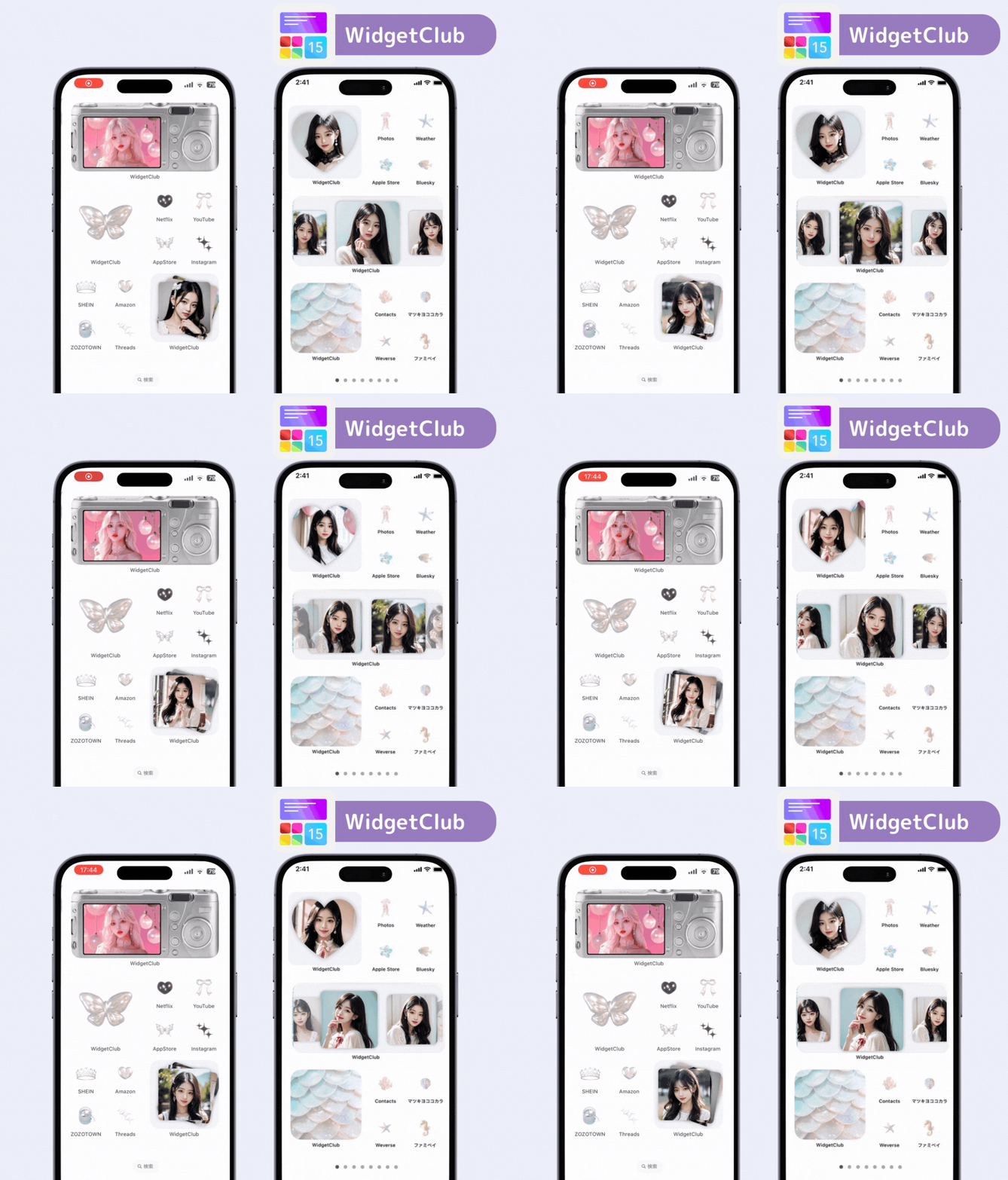
WidgetClub offers stylish widgets, in addition to countdown widgets! You can even customize the icons 🧚
WidgetClub Editorial Team
The official media team managing the smartphone customization app "WidgetClub." We share information centered on convenient ways to use iPhones and Androids, noteworthy apps, and tips for utilizing new features, all aimed at making your daily smartphone experience more enjoyable and personal. Leveraging our years of accumulated knowledge in gadgets and mobile technology, we strive to create articles that are easy to understand, even for beginners.
Liume inc.
Representative Director & CEO Saeko Usami
After graduating from the Faculty of Economics at Keio University, I worked as an editor in the news media division of an internet portal company and, from the early days of mobile apps, engaged in product development and marketing for iPhone and Android applications. I founded Liume Inc. in June 2021 and released an app in September 2021 that lets users stylishly customize their smartphone home and lock screens with widgets, wallpapers, and icons. Our iPhone and Android apps have surpassed 9 million total downloads. I have been an iPhone user for over 15 years.