
WidgetClub

Your moon, shining in your birthday color

Birthday Color Moon Creator

Create a Birthday Color Moon in seconds. Mix two birthday colors to make a unique moon for couples or best friends. Check a color-harmony compatibility score, then download the result as a video or wallpaper.

/
Select a color
Rotating Moon

What is a Birthday Color Moon (Birthday MOON)?

A Birthday Color Moon (Birthday MOON) is an image or video of the moon colored with a birthday color tied to a specific date.

It has gone viral on TikTok and Instagram and is popular for couple wallpapers and fandom-themed lock screens.

What is a birthday color?

A birthday color is a color assigned to each of the 366 days.

Enter a birthday and this tool automatically finds the color and creates a Birthday Color Moon.

How do I make a Birthday Moon color?

  1. Enter your birthday
  2. Check the color (auto-shown)
  3. Tap the "Create" button
  4. Save the video or image

How to make one as a couple

Select the "Duo" tab to blend two birthday colors into a special Birthday Moon.

Combine birthdays with your partner, friends, or favorite person to make a unique moon.

Birthday Moon Compatibility Check

In Duo mode, we calculate a compatibility score from the color harmony between two birthday colors.

The result uses color-theory relationships such as complementary, triad, and analogous to explain your pair.

FAQ

Q What does Birthday Color Moon mean?
A It means a moon image or video colored with the birthday color assigned to a specific date. It is also called Birthday MOON.
Q How do I make a Birthday Moon color?
A Enter a birthday, check the auto-selected color, and tap "Create" to generate it.
Q What is Birthday MOON?
A Birthday MOON is a moon visual created from birthday colors. You can create one for yourself or blend two colors in Duo mode.
Q Can I make a Birthday Moon as a couple?
A Yes. Use the "Duo" tab to blend two colors into one moon.
Q Is it free to create a Birthday Moon?
A Yes, it is completely free to create and save.
Q Can I set it as a live wallpaper?
A Yes. You can set the generated video as a live wallpaper on iPhone, iPad, and Android via the WidgetClub app.
Q How is the Birthday Moon compatibility score calculated?
A It uses color-harmony theory. We analyze where both birthday colors sit on the color wheel (such as complementary, triad, or analogous relationships) and convert that harmony into a score.
Loading...
For iPhone & Android!

Customize your phone in the most stylish way with WidgetClub!

With the popular home & lock screen customization app WidgetClub, you can personalize icons, wallpapers, and widgets.

WidgetClub home screen customization demo Check out WidgetClub!

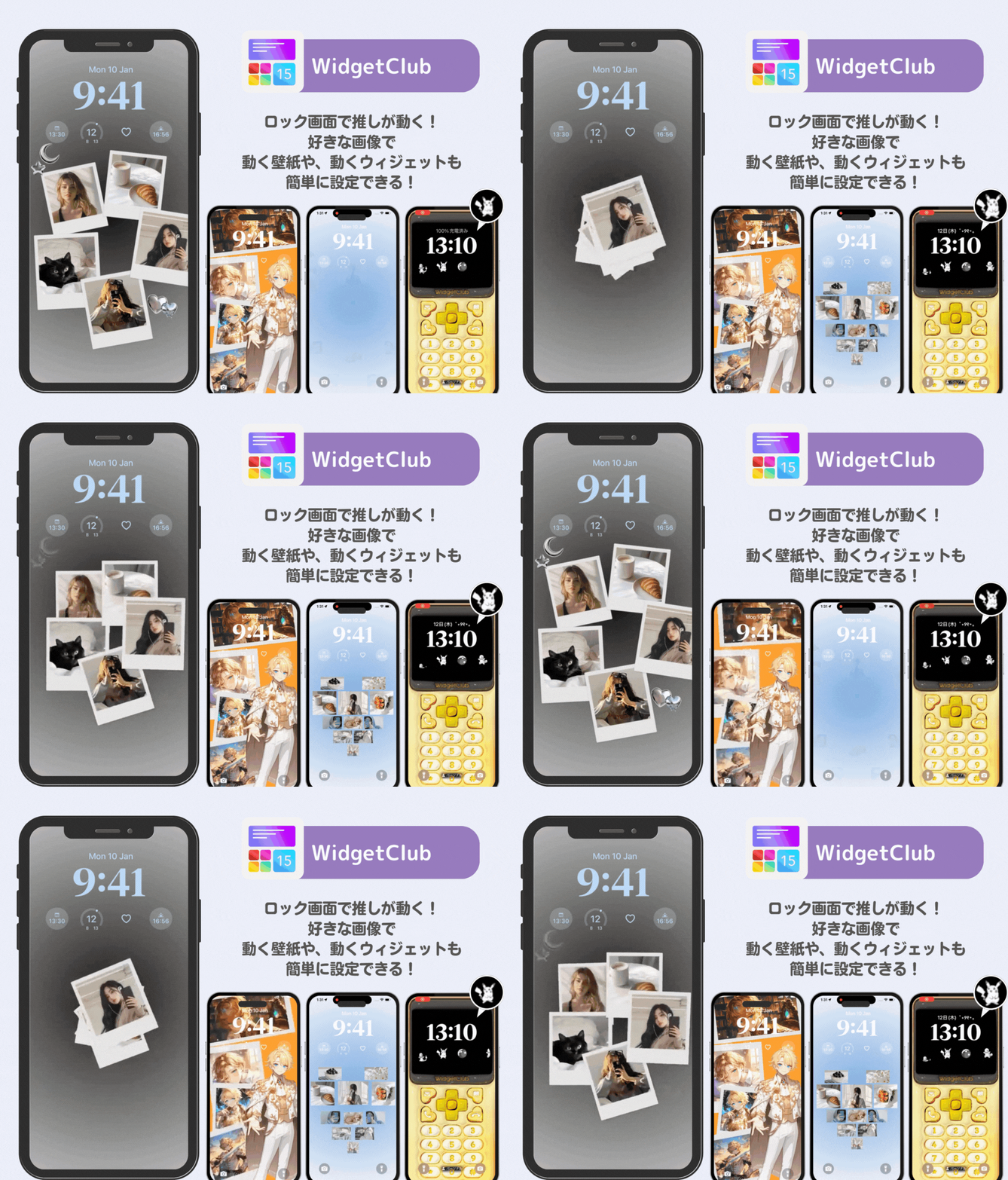
Set your Birthday Moon video as a live wallpaper!

You can set a live wallpaper using the Birthday Moon video you created.
  1. First, save your Birthday Moon video.
  2. You'll need an app to set live wallpapers. Download the WidgetClub app.
  3. Open the app and tap the "+" button.
  4. Tap "Original Live Wallpaper."
  5. Tap the top-left button "Create Live Wallpaper with your Video!"
  6. Upload the Birthday Moon video you created.
  7. Choose the playback range and tap the download button. (On iOS, live wallpapers only play for about 0.7 seconds. Save with the speed set to "high.")
  8. Follow the instructions to set it on your lock screen and you're done!
Learn more in these articles
How to set a live wallpaper on iPhone How to set a live wallpaper on Android