Upload your photos and create stunning collages in seconds — no login, no app required. Grid layouts, heart shapes, star shapes, stickers and more!
Just upload your photos to create a stunning collage in seconds. Choose from heart and cat shape collages, popular 3-6 photo grid layouts, and more. Simply pick a template and swap in your photos.
Use popular shape templates such as hearts, cats, and cherry blossoms.
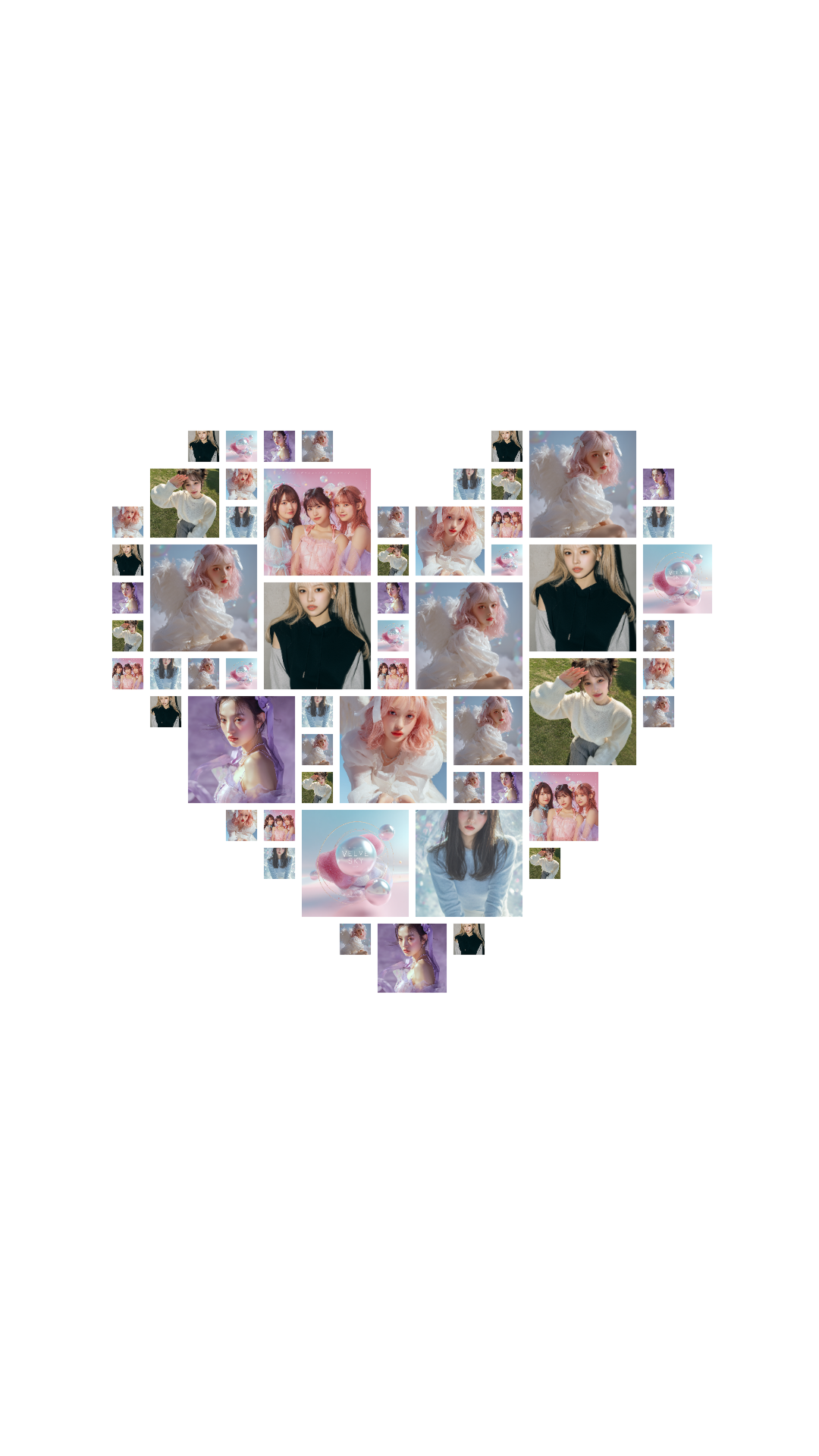
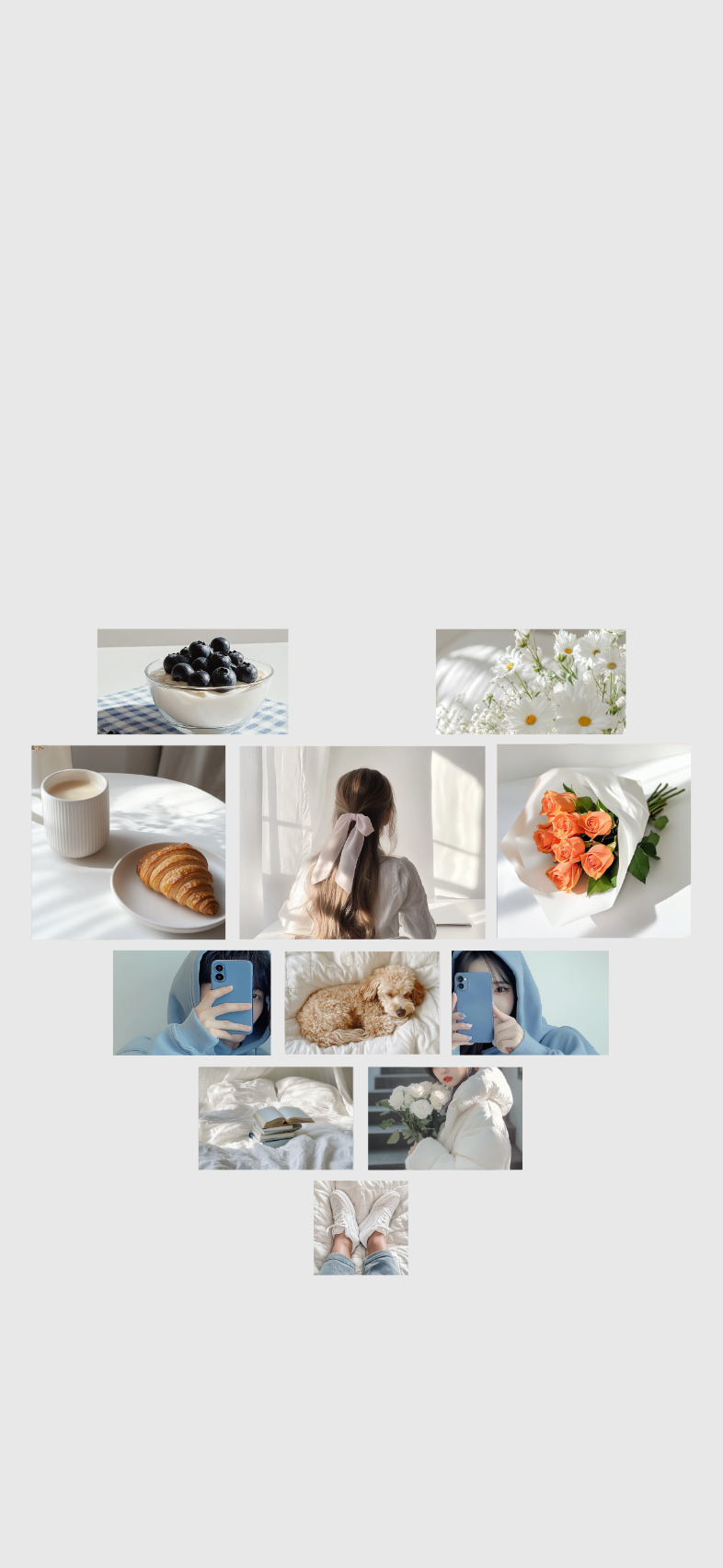
A classic collage template that arranges photos in a heart shape.
Use this template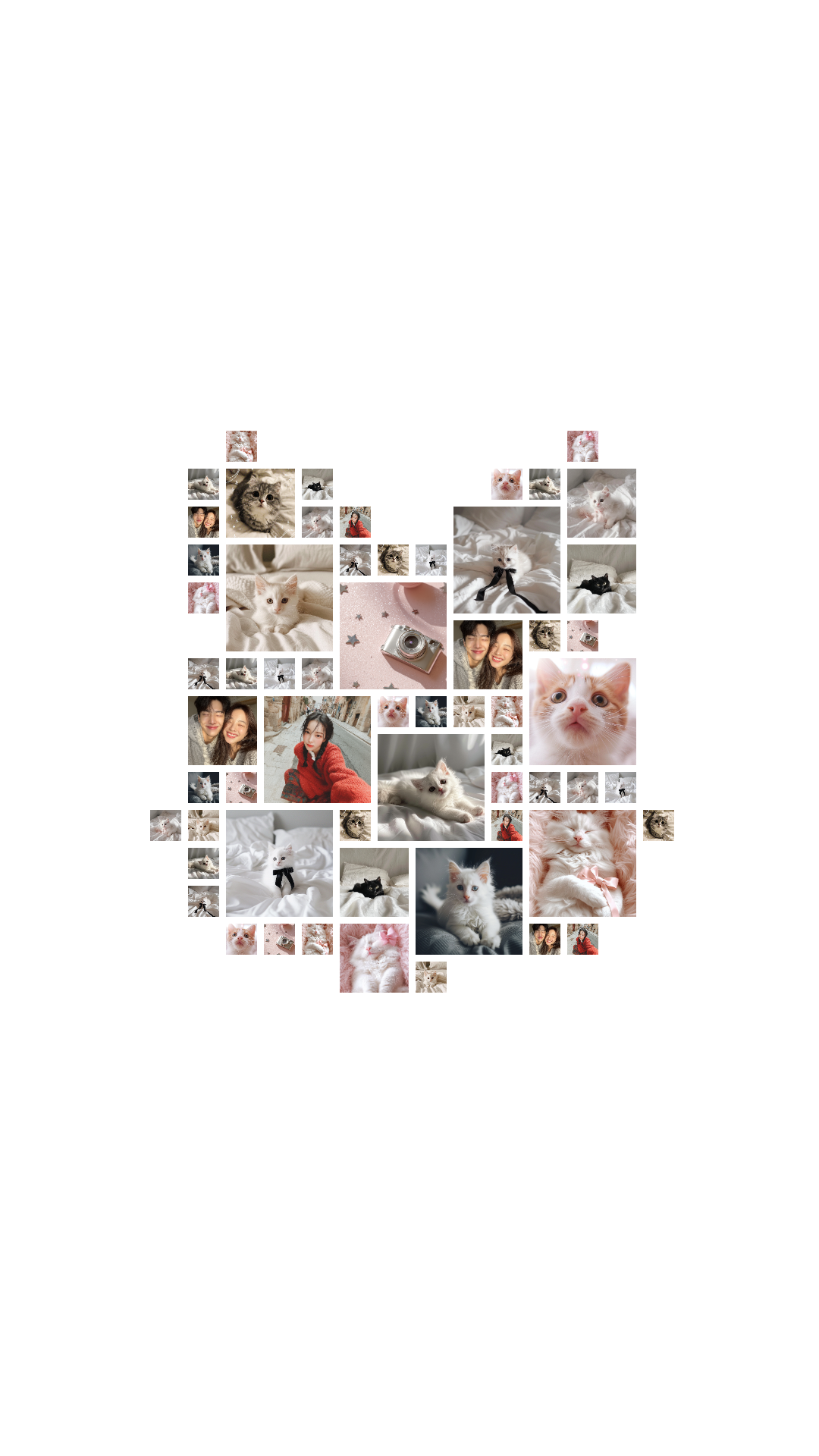
A cute cat-shaped collage template for playful photo layouts.
Use this template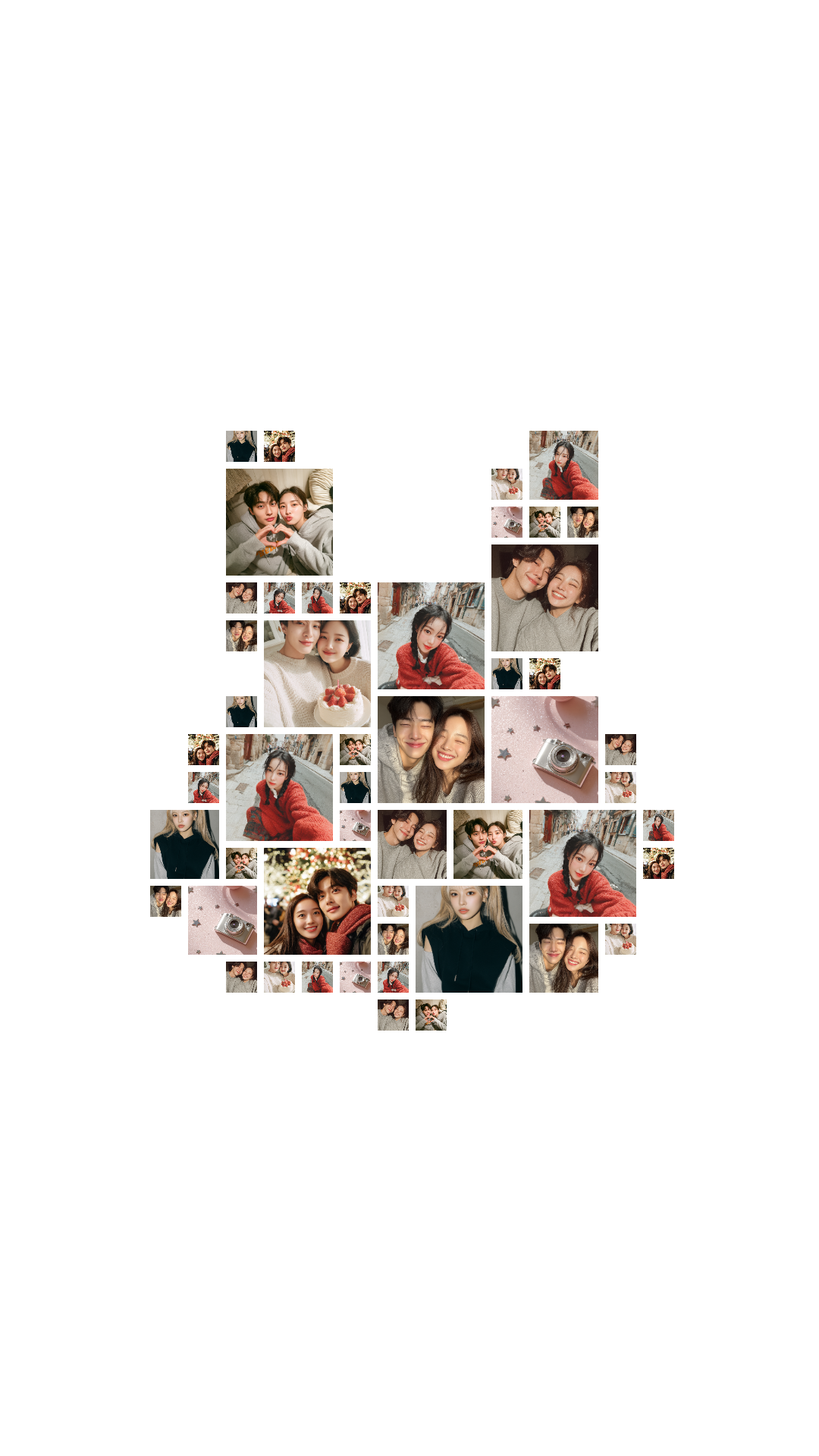
A soft rabbit-shaped collage template for a cute and gentle photo layout.
Use this template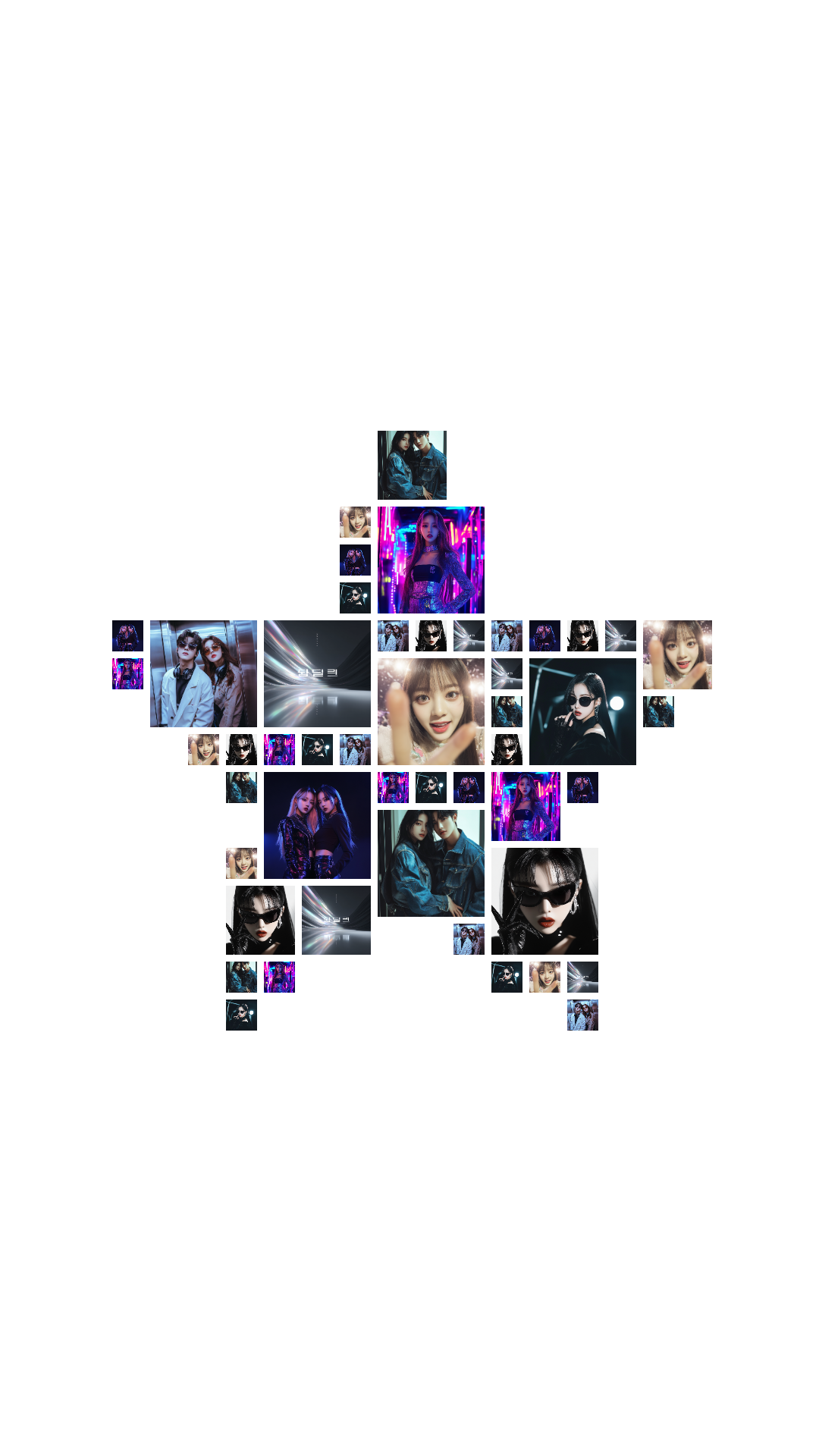
A star-shaped template that makes your photos sparkle.
Use this template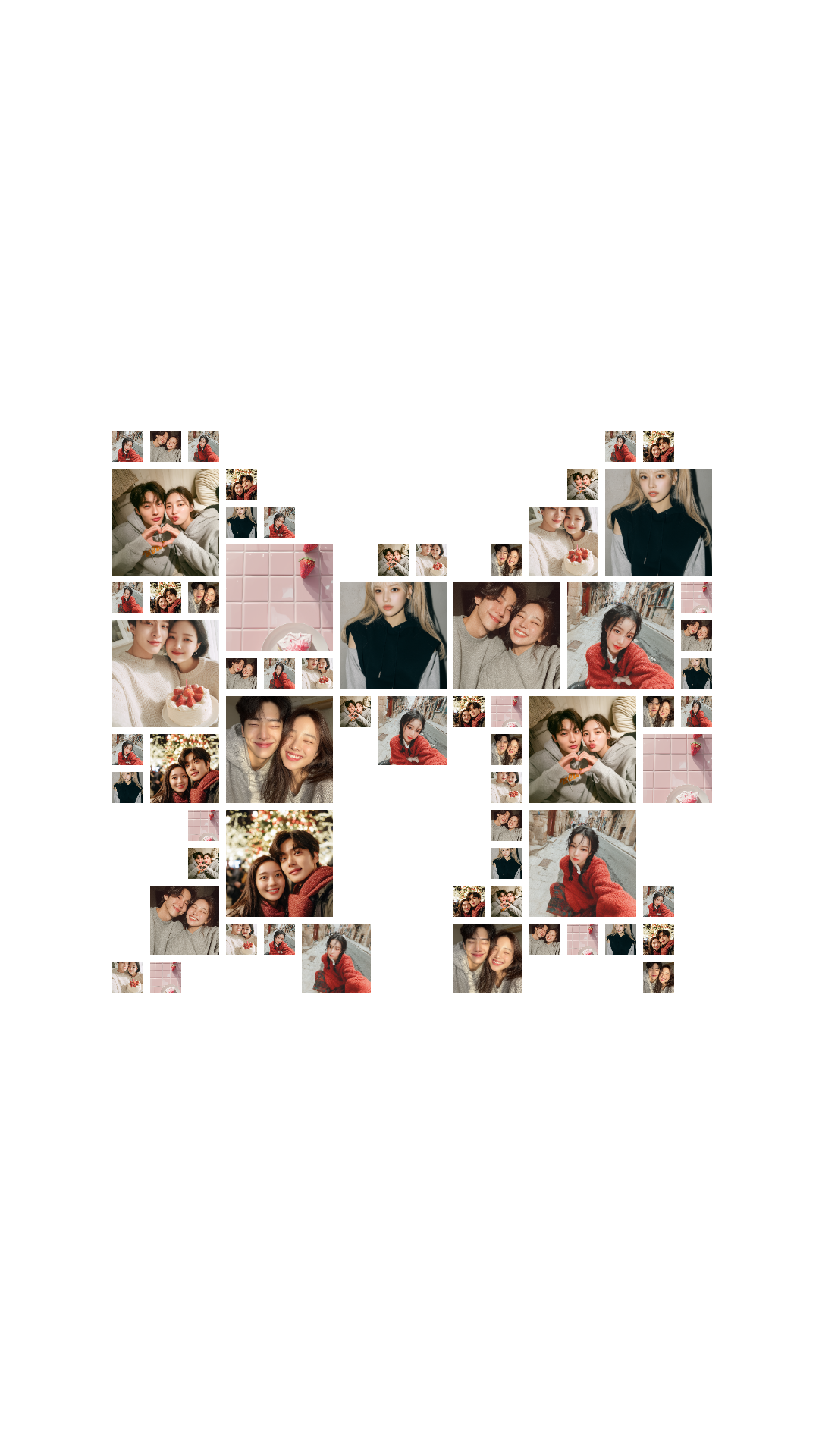
A sweet ribbon-themed collage template for charming designs.
Use this template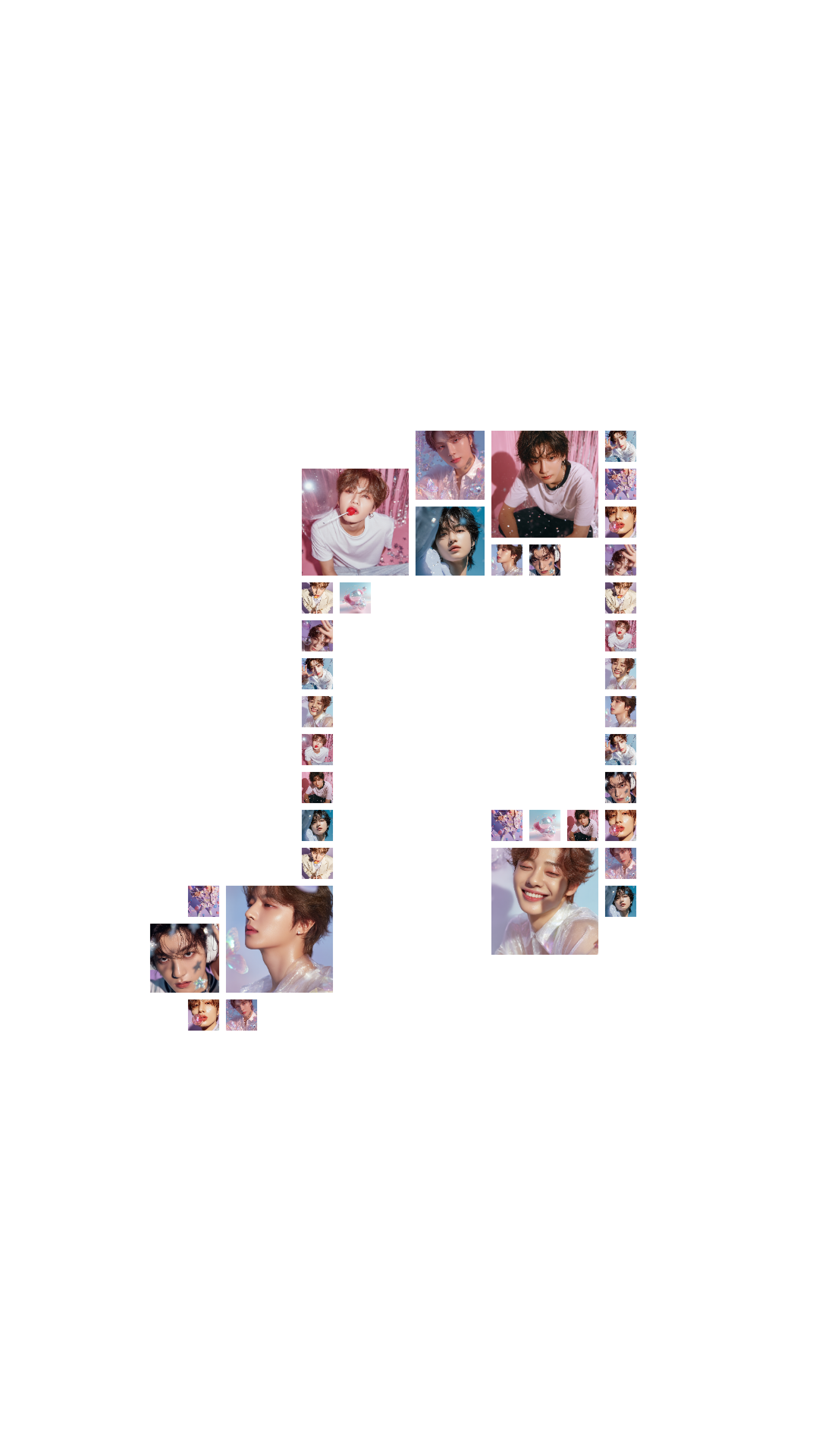
A music-note collage template that works well for concert and fandom photos.
Use this template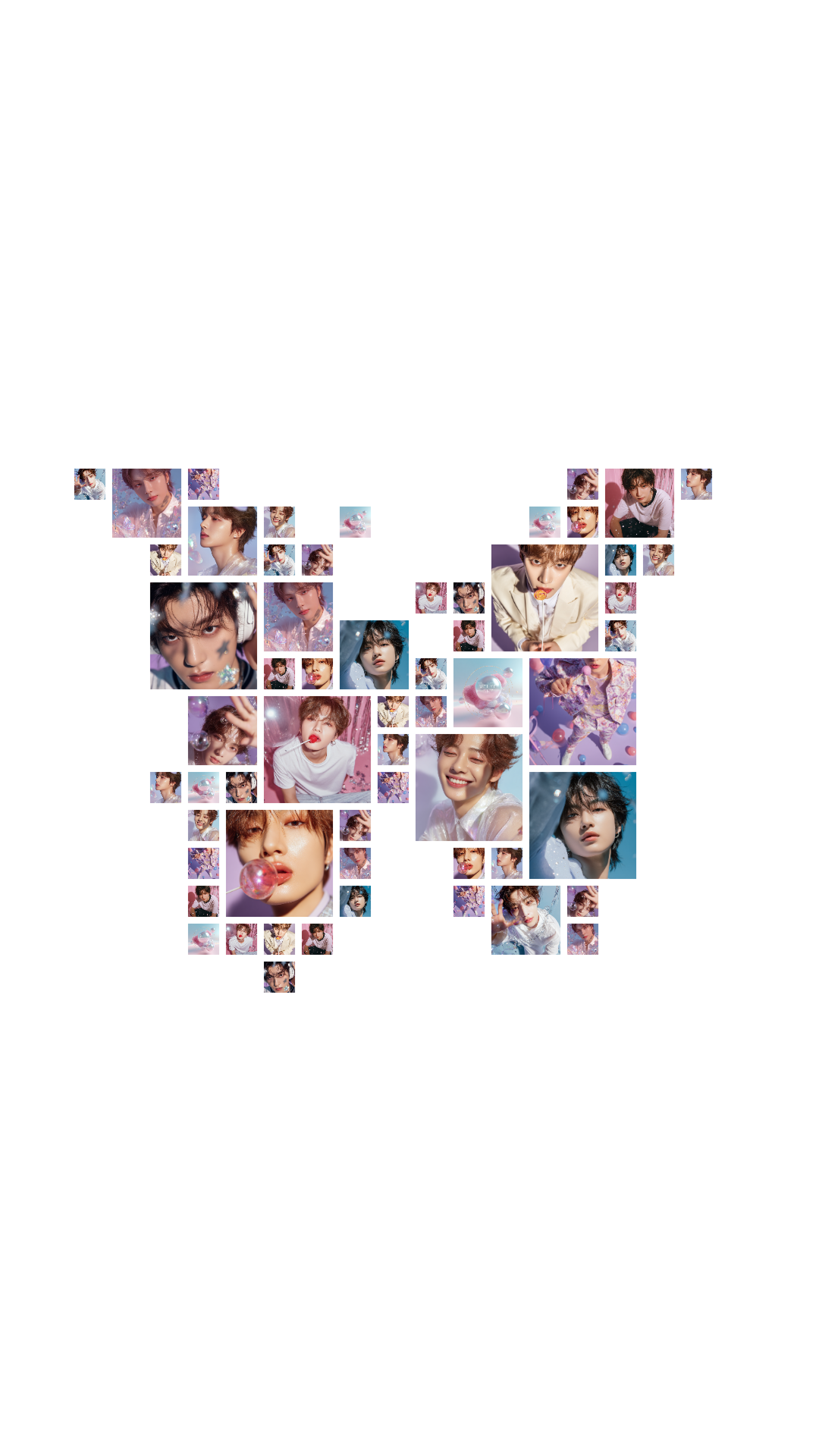
A butterfly-shaped collage template with a light and airy feel.
Use this template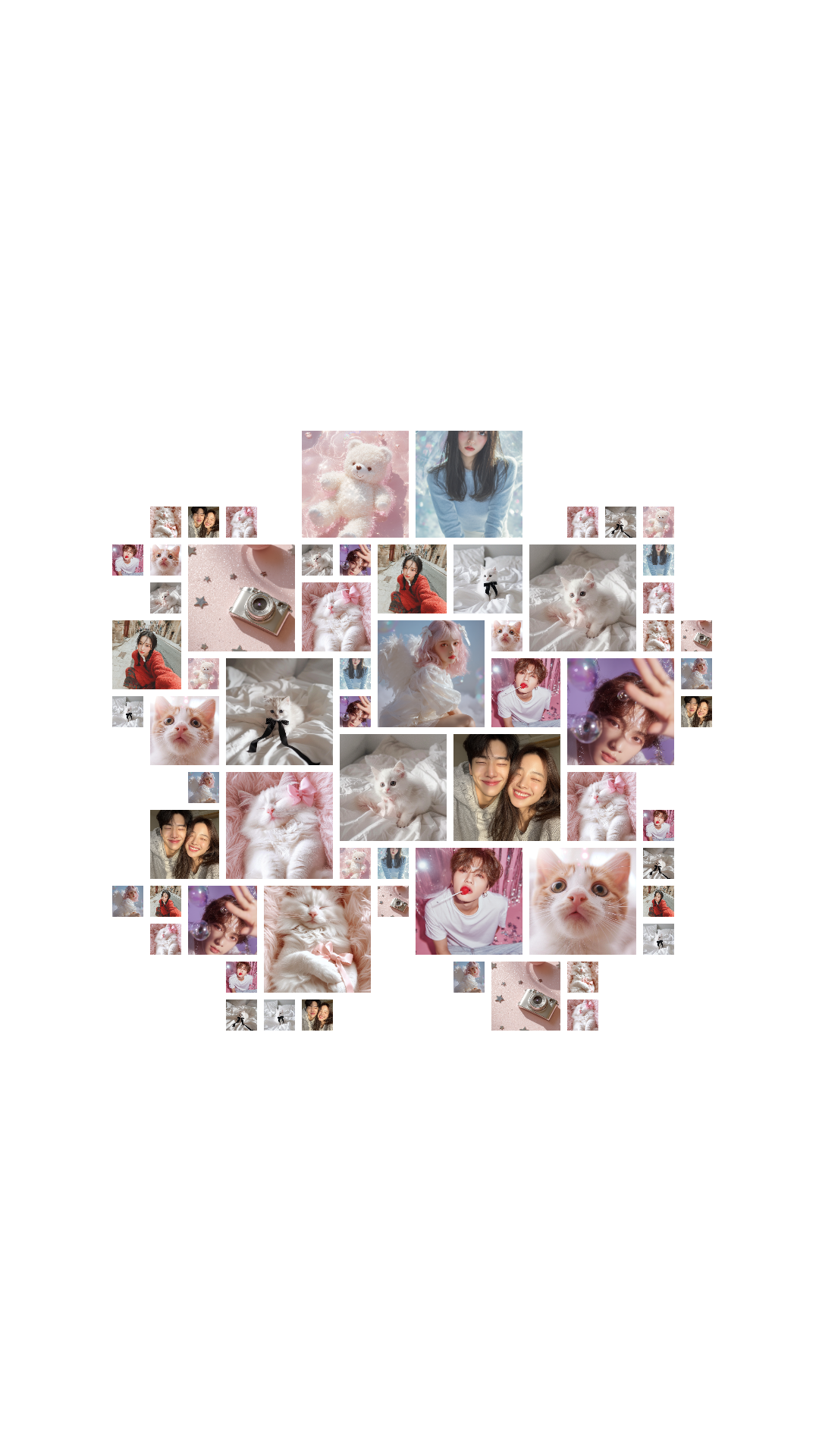
A cherry blossom collage template for spring-inspired photo designs.
Use this templateOfficial layout templates for 3 to 6 photos in wallpaper size.
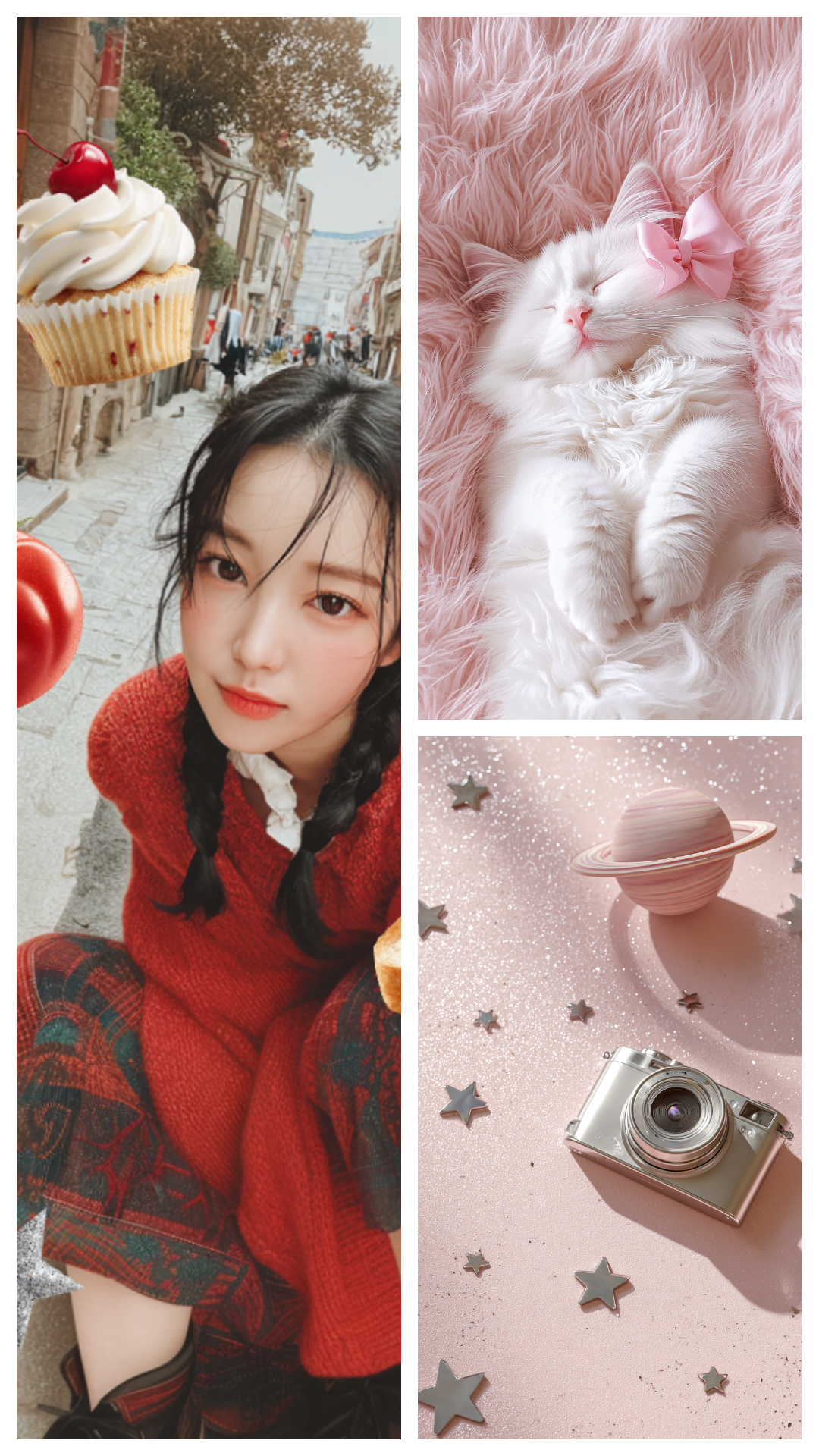
A balanced layout that showcases three photos cleanly.
Use this template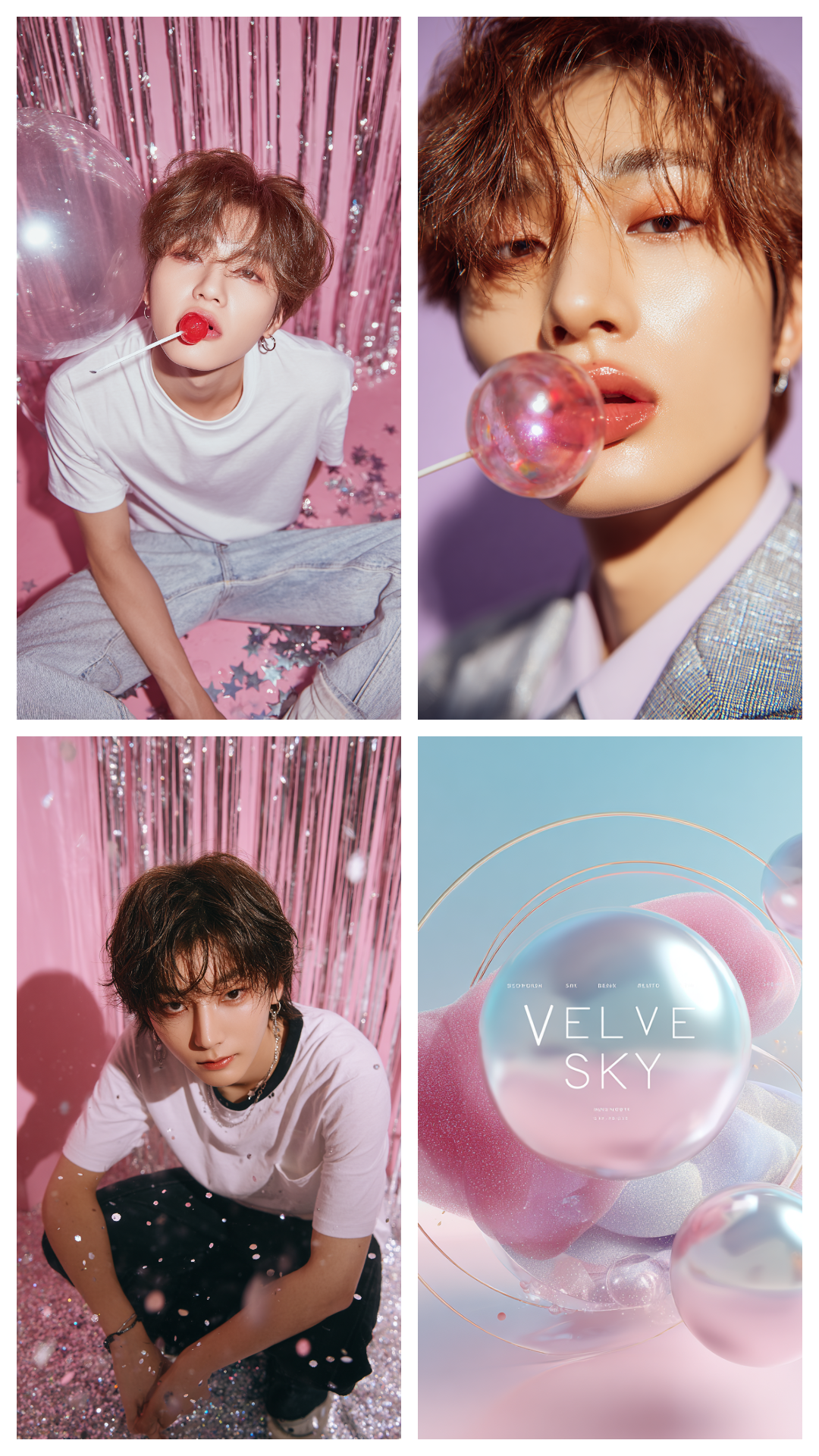
A classic equal grid layout for four photos.
Use this template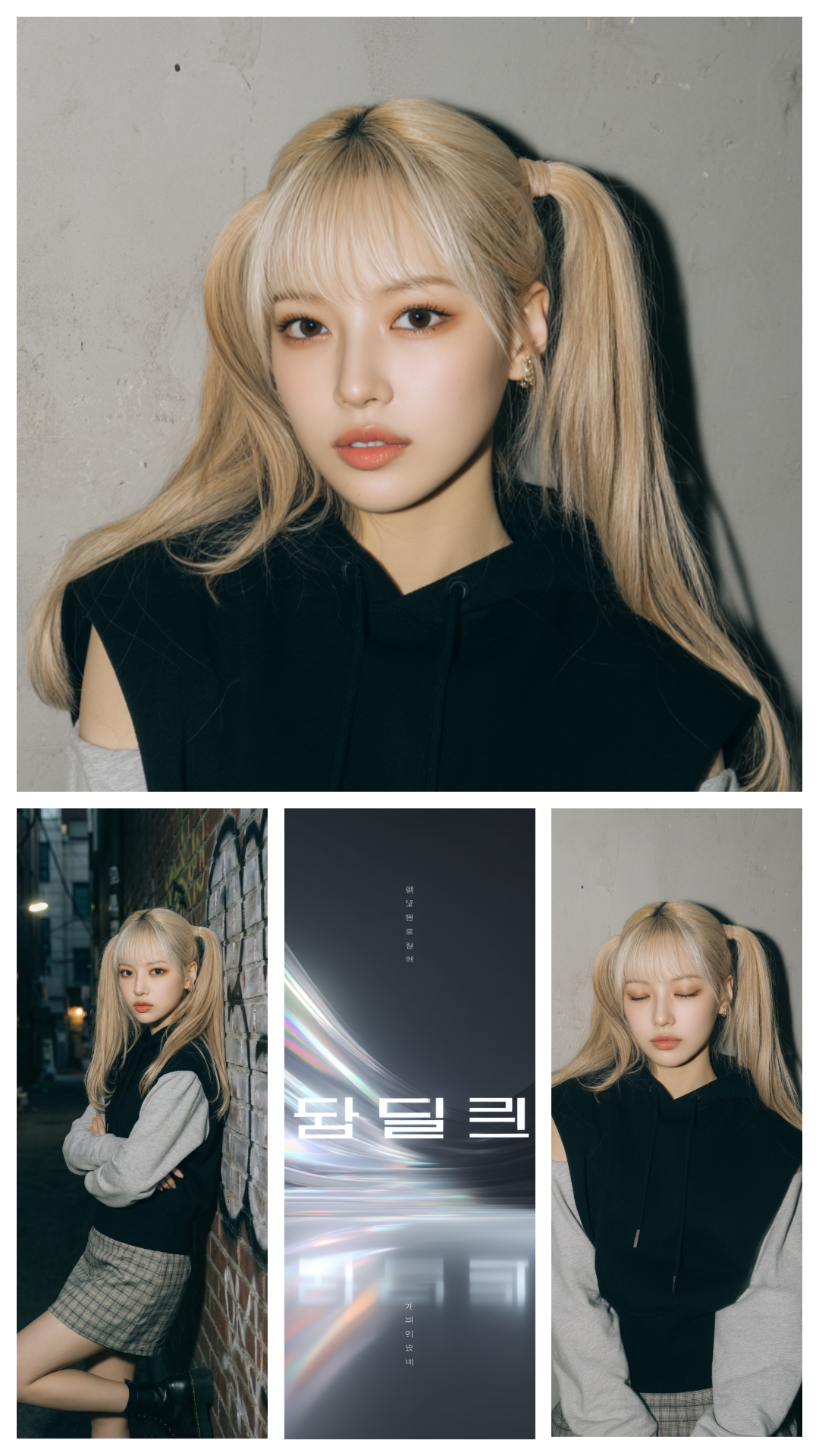
A four-photo layout with a larger top area for a bold lead image.
Use this template
A five-photo mixed layout that adds motion with varied sizes.
Use this template
A tidy grid-based template that displays five photos neatly.
Use this template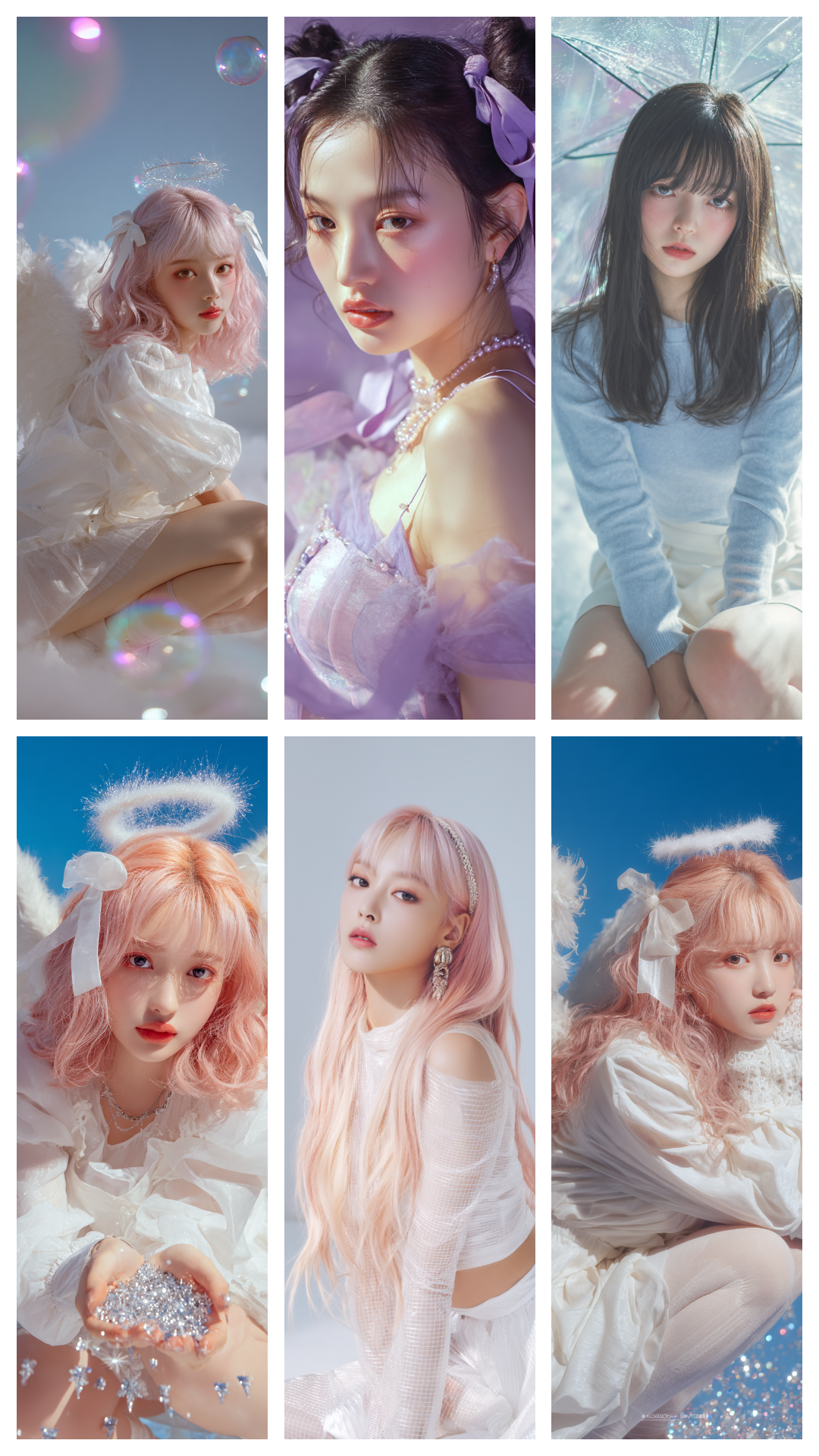
A standard six-photo collage template with equal cells.
Use this template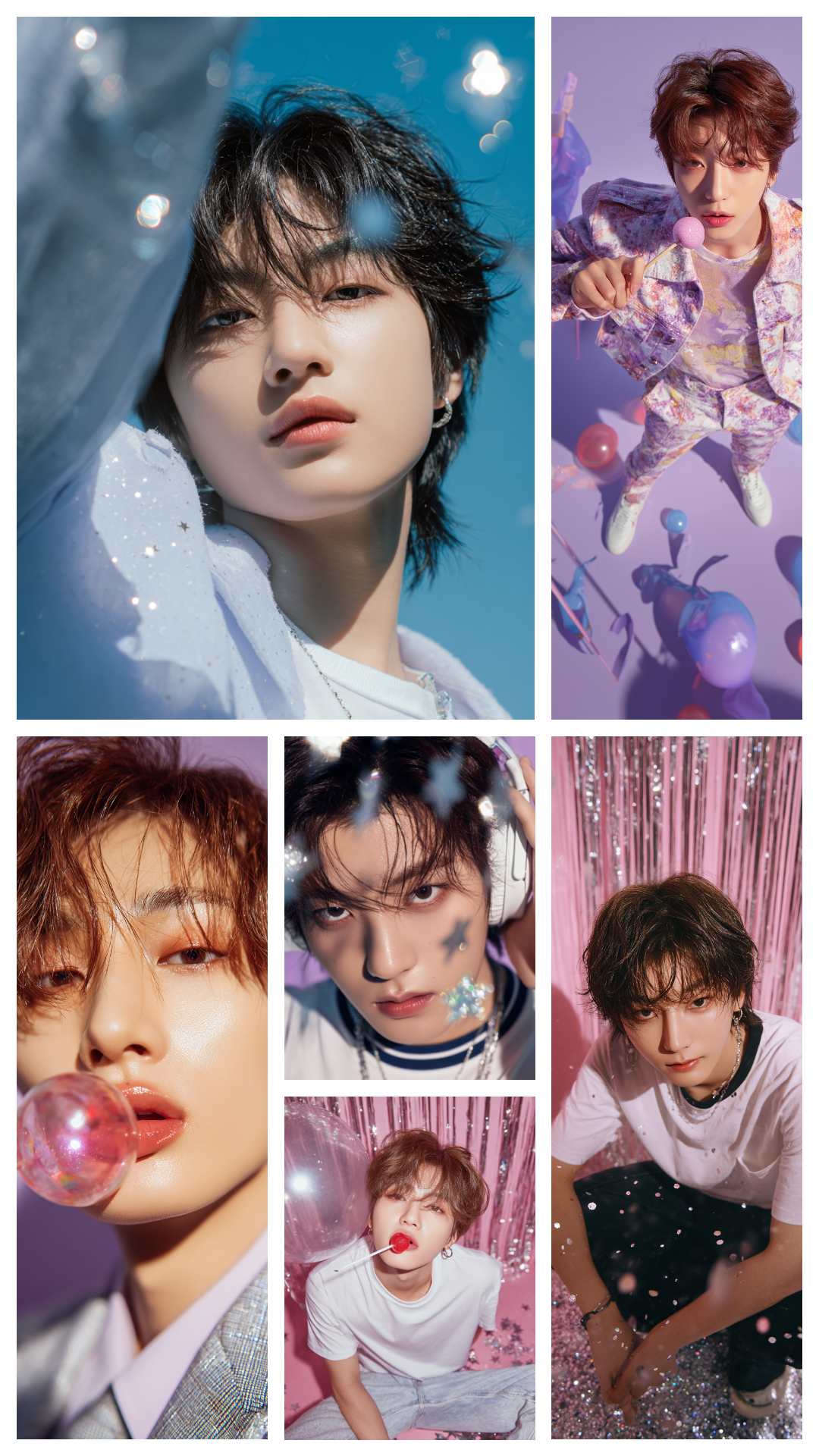
A mixed six-photo layout that creates a stronger visual rhythm.
Use this templateOfficial layout templates for 3 to 6 photos in square format.
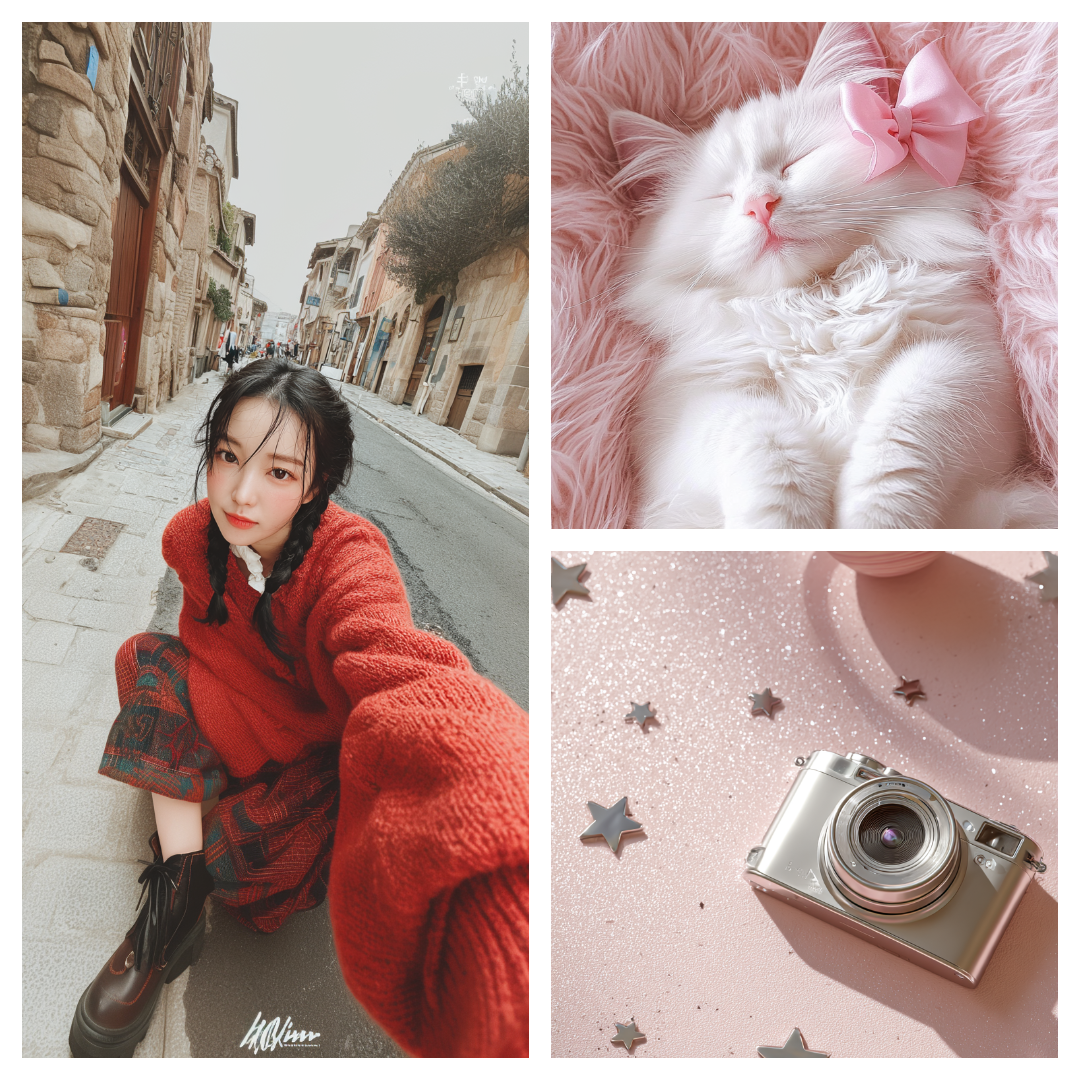
A balanced layout that showcases three photos cleanly.
Use this template
A classic equal grid layout for four photos.
Use this template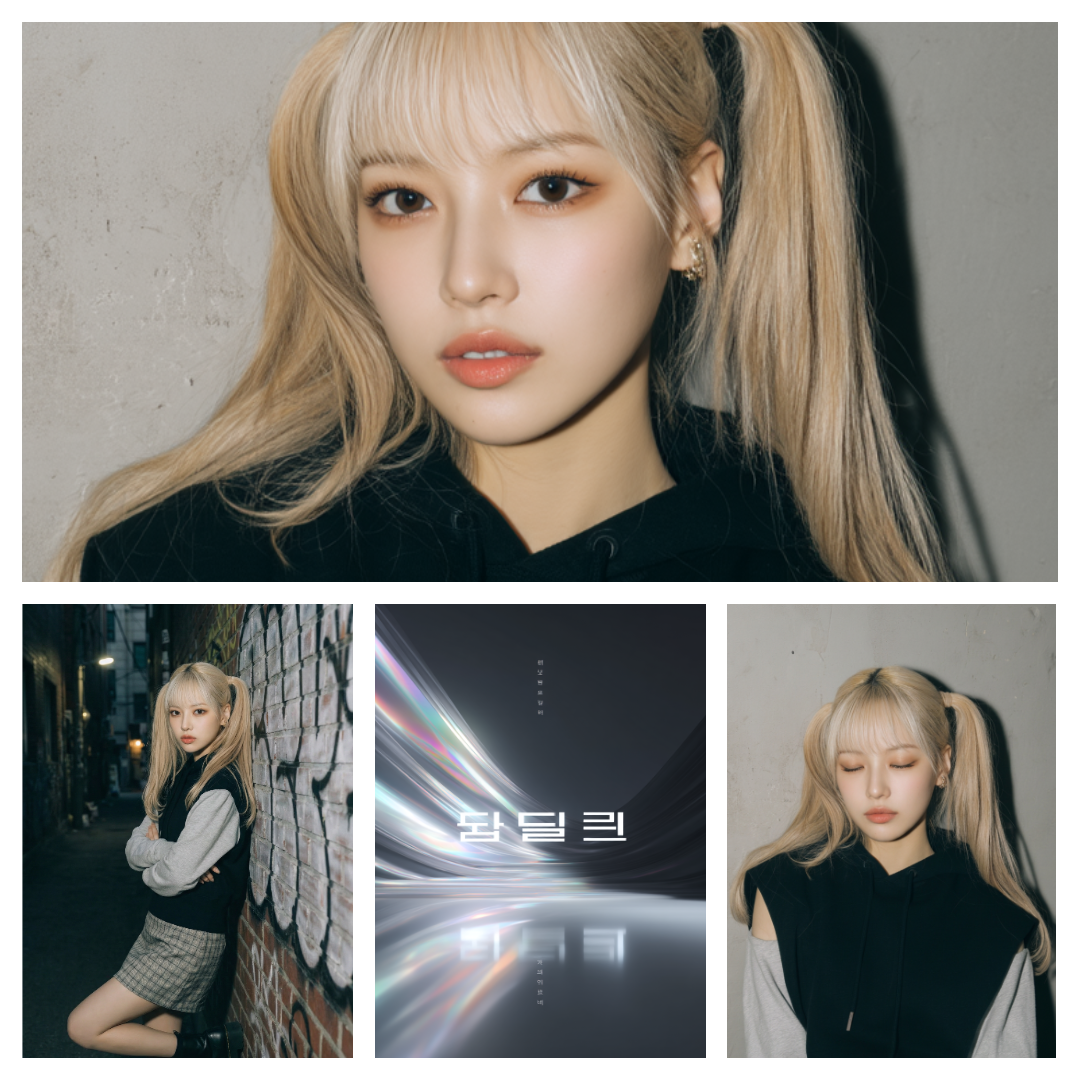
A four-photo layout with a larger top area for a bold lead image.
Use this template
A five-photo mixed layout that adds motion with varied sizes.
Use this template
A tidy grid-based template that displays five photos neatly.
Use this template
A standard six-photo collage template with equal cells.
Use this template
A mixed six-photo layout that creates a stronger visual rhythm.
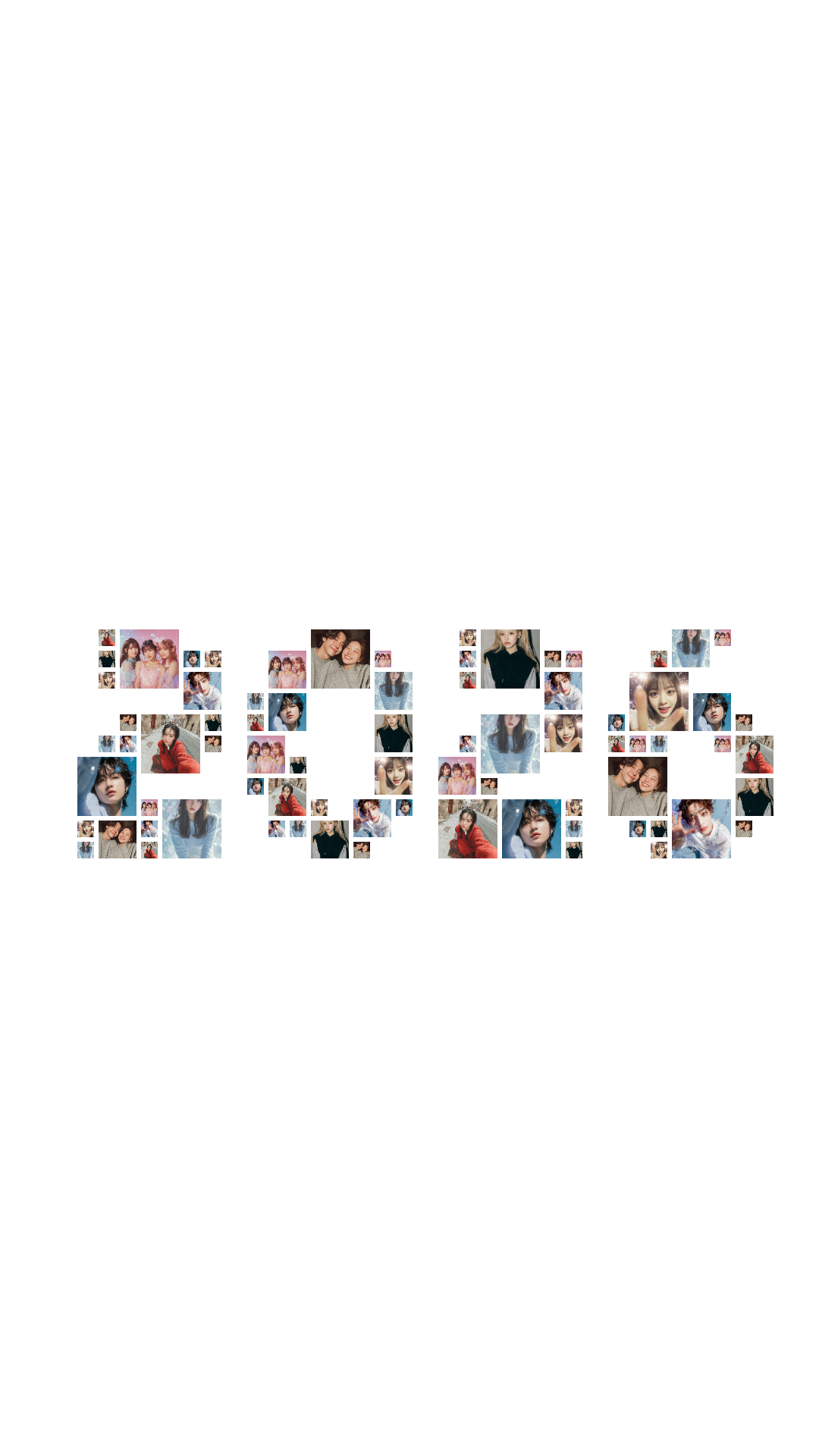
Use this templateQuickly start with a text-shape preset using the current year.
Choose from grid layouts (2–9 photos) or unique shape collages like hearts, stars, cats and rabbits.
This free online collage maker works right in your browser. No sign-up, no installation required.
Download your collage as PNG/JPG, or set it directly as your phone wallpaper with the WidgetClub app.
A free, versatile online collage tool for every occasion.
Arrange your favorite idol photos into heart or star shape collages. Perfect for SNS posts and fan merchandise.
Combine precious milestone photos into one image. Easily create a yearbook-style grid collage.
Compile your trip photos into an Instagram-worthy collage. Great for sharing with friends.
Turn cherished memories into a beautiful collage card to give to someone special.
Pack in tons of adorable cat or dog photos. Pairs perfectly with the cat and rabbit shape templates.
Set your finished collage directly as your phone wallpaper. Create a one-of-a-kind lock screen.
Download the WidgetClub app to use professionally designed DIY templates. Combine them with your own photos to create truly unique collage wallpapers.
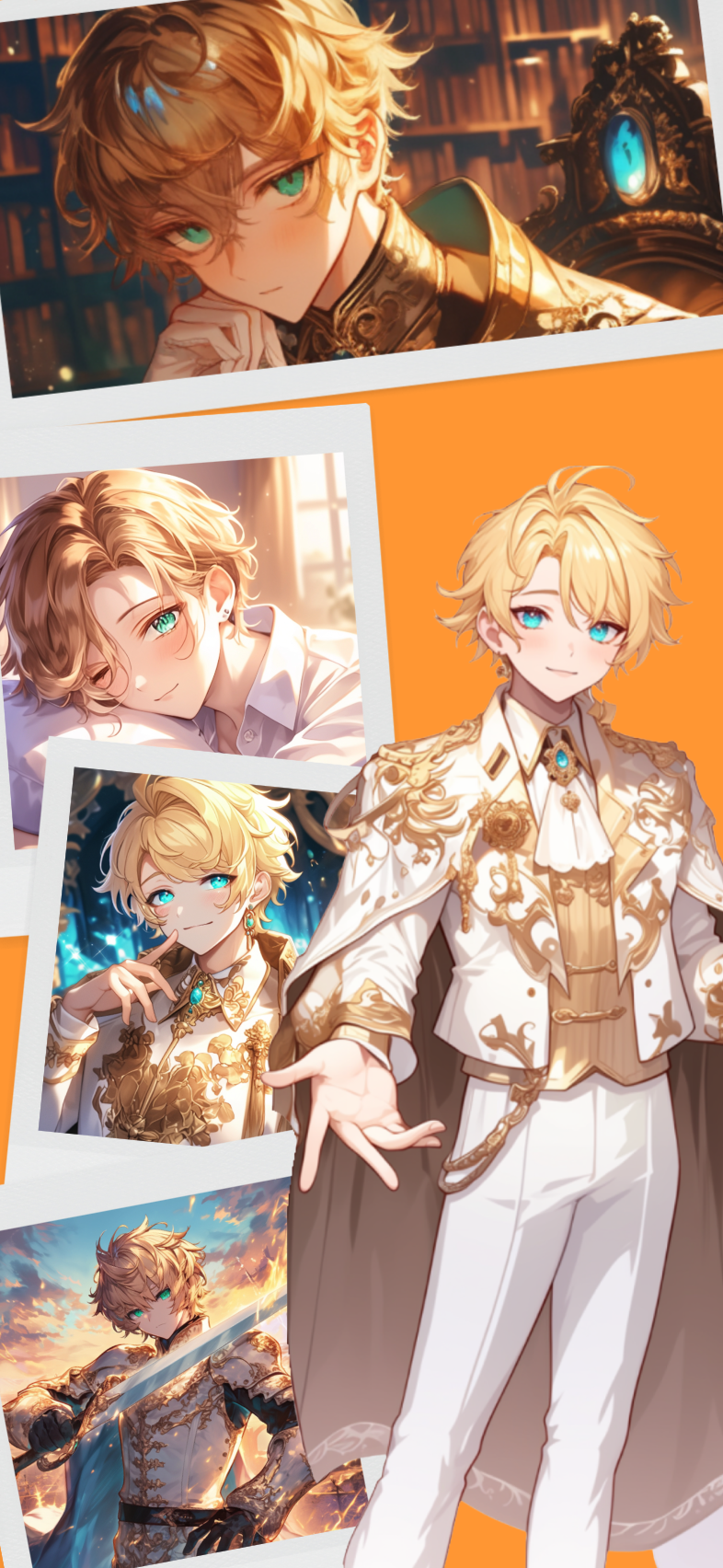
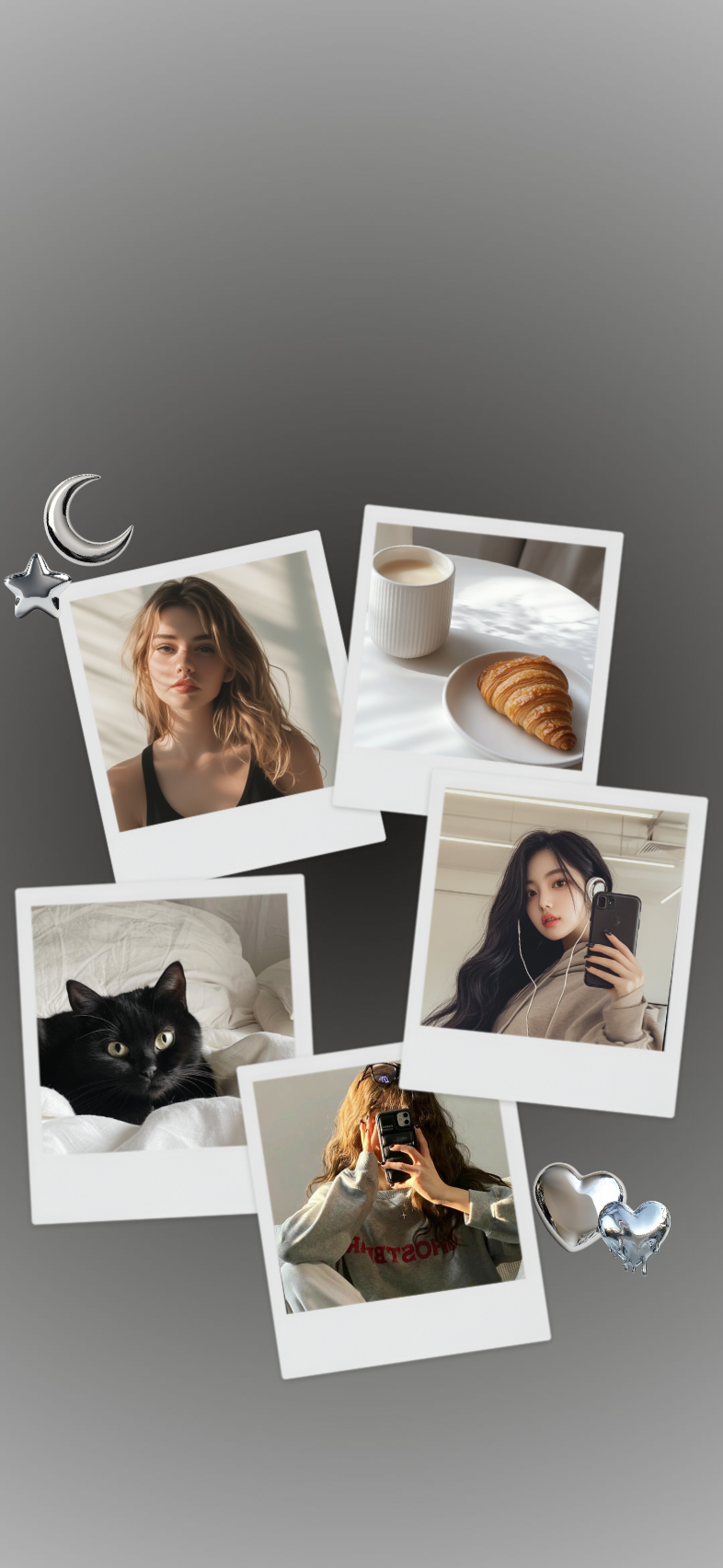
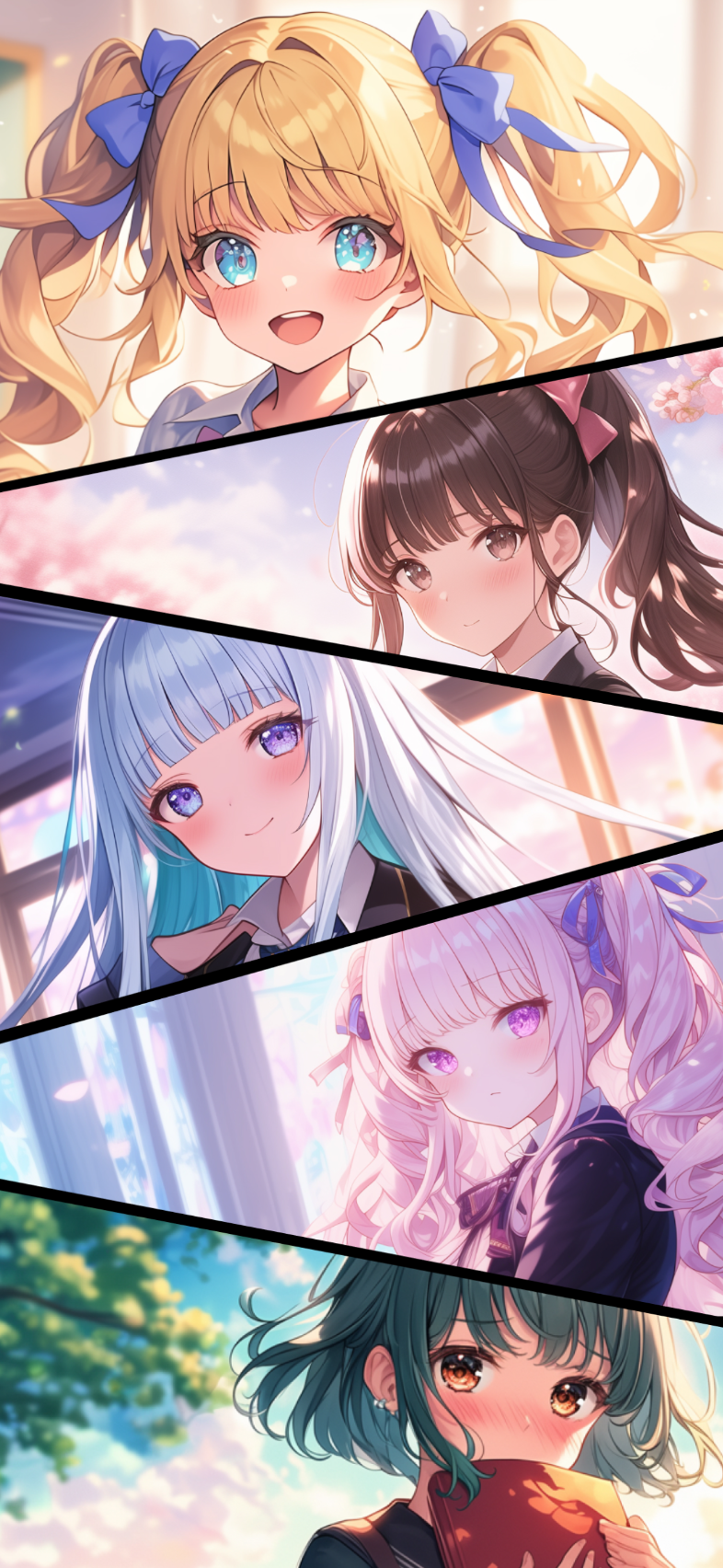
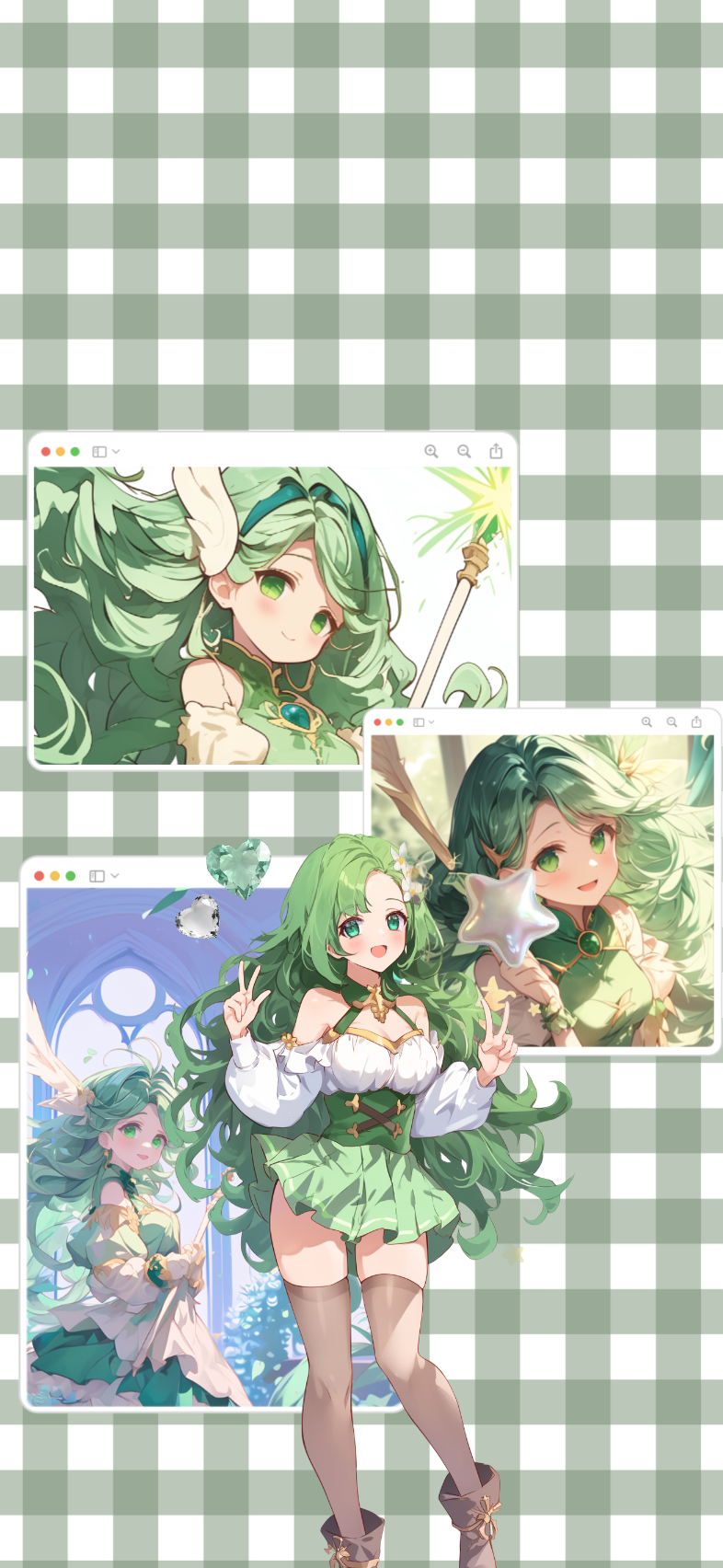
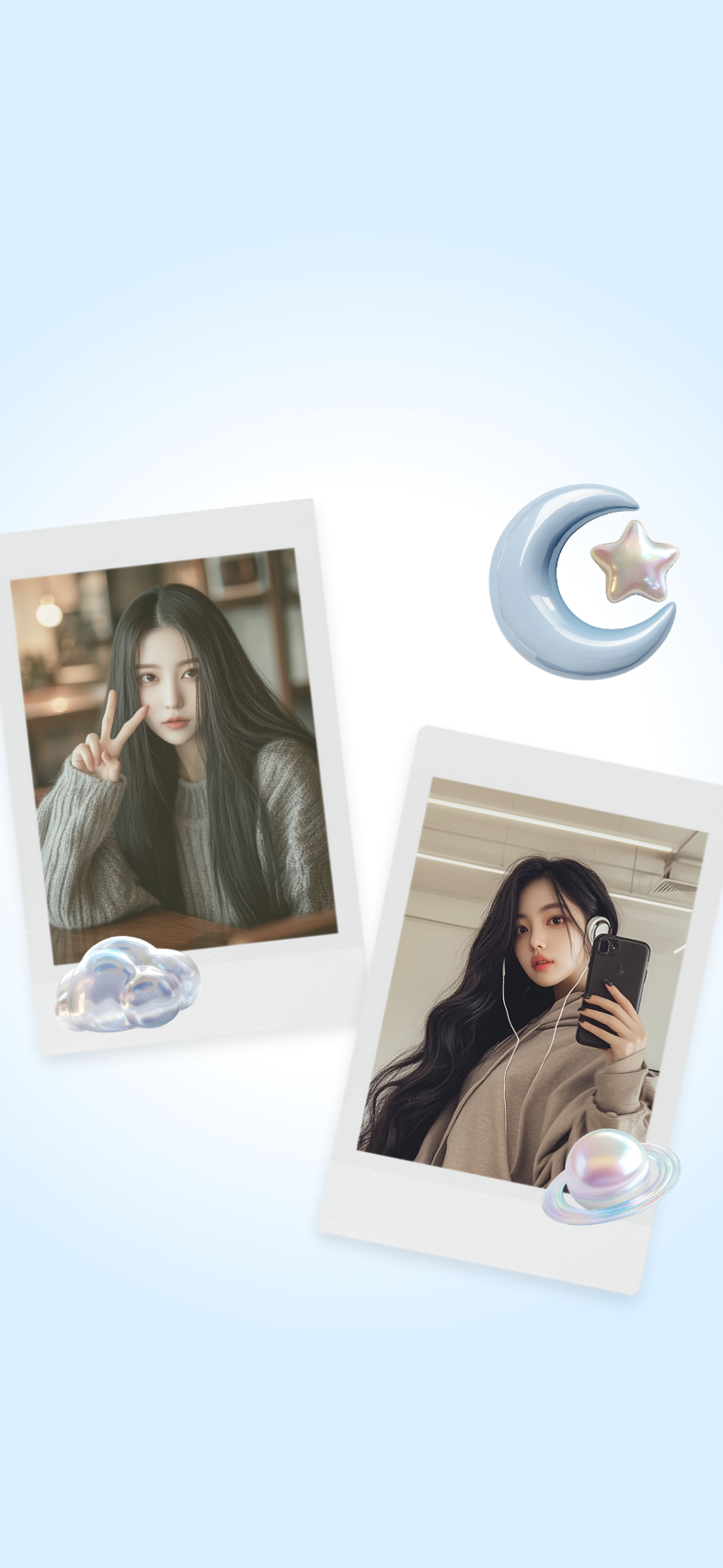

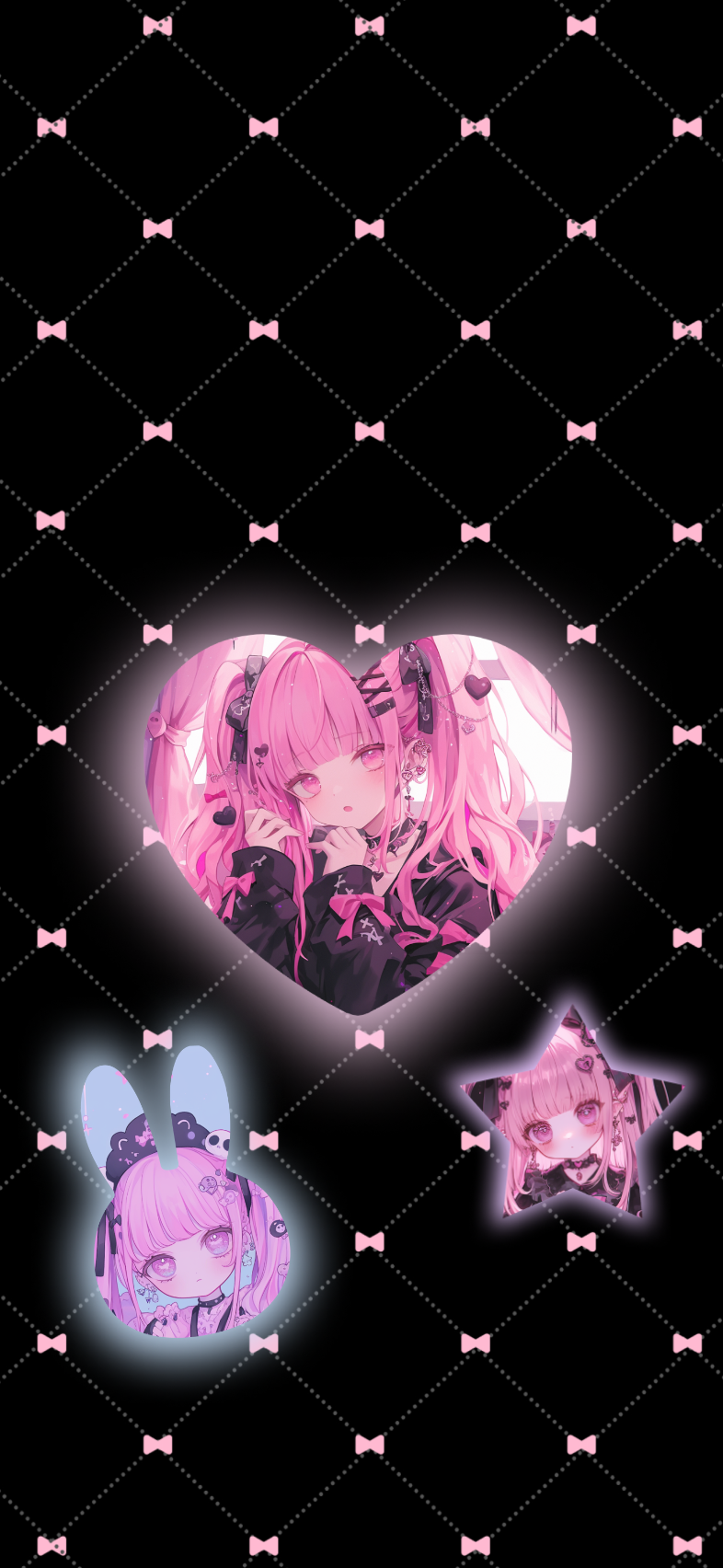
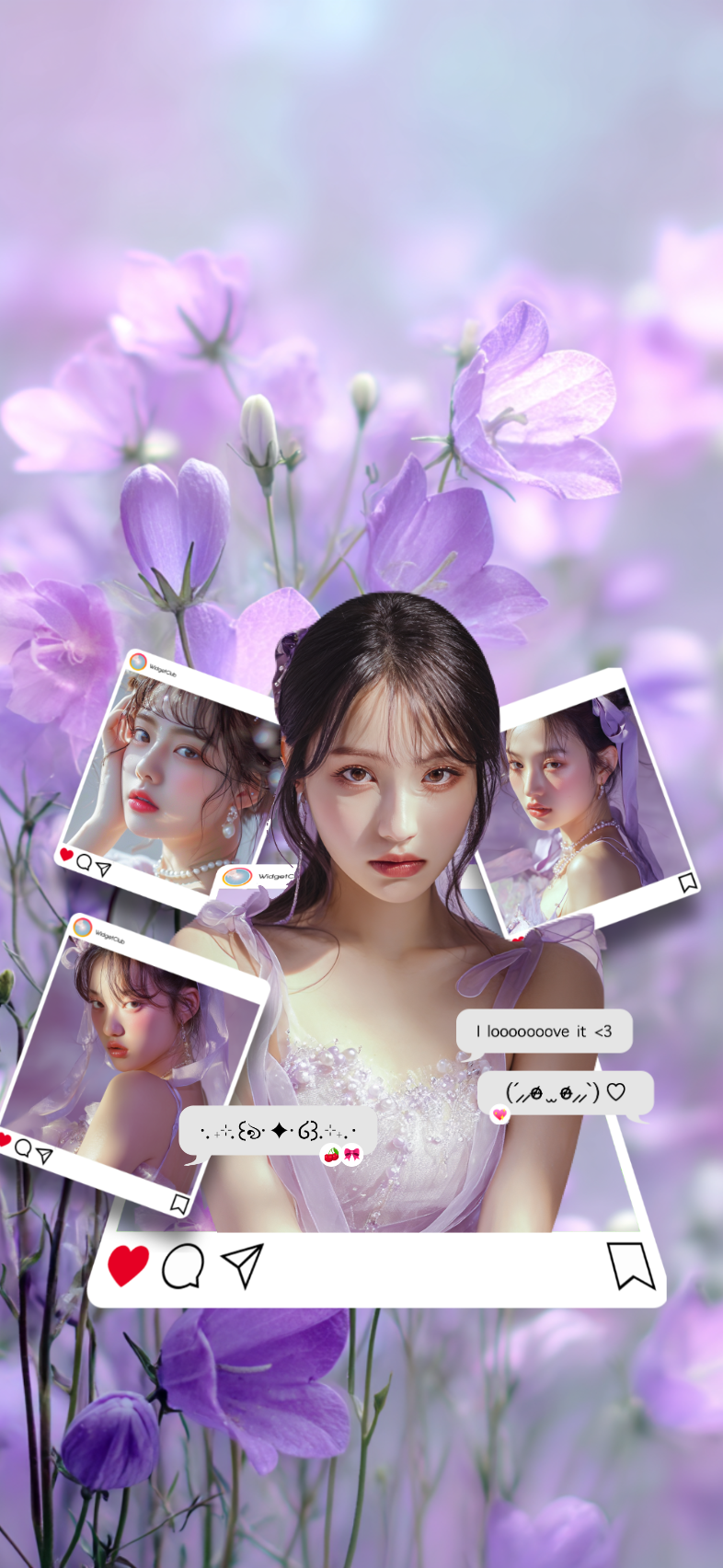
Free wallpaper creation tools for iPhone and Android devices.