
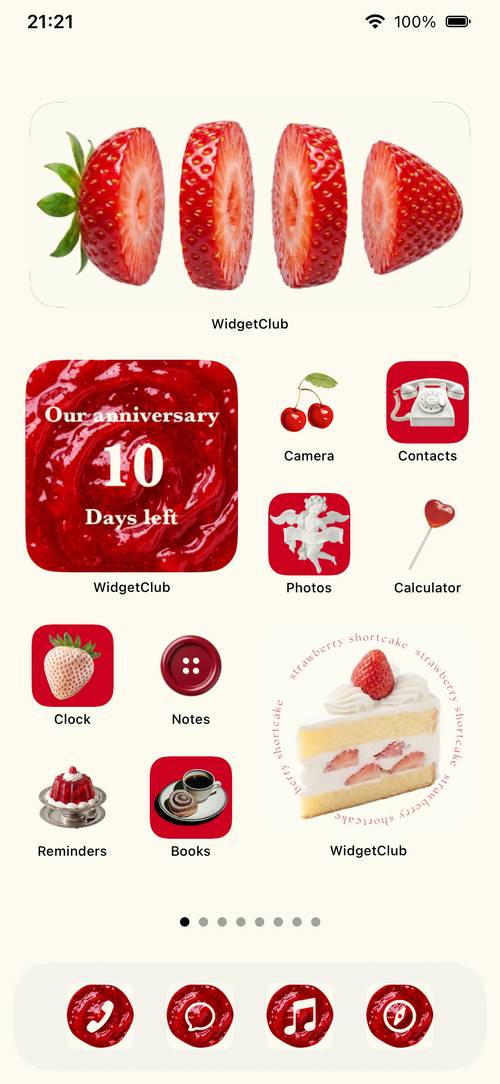
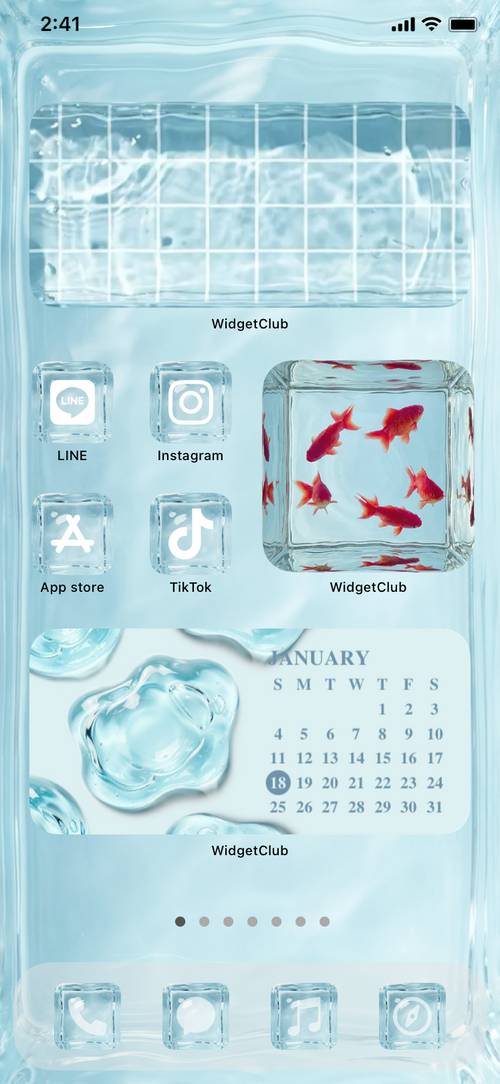


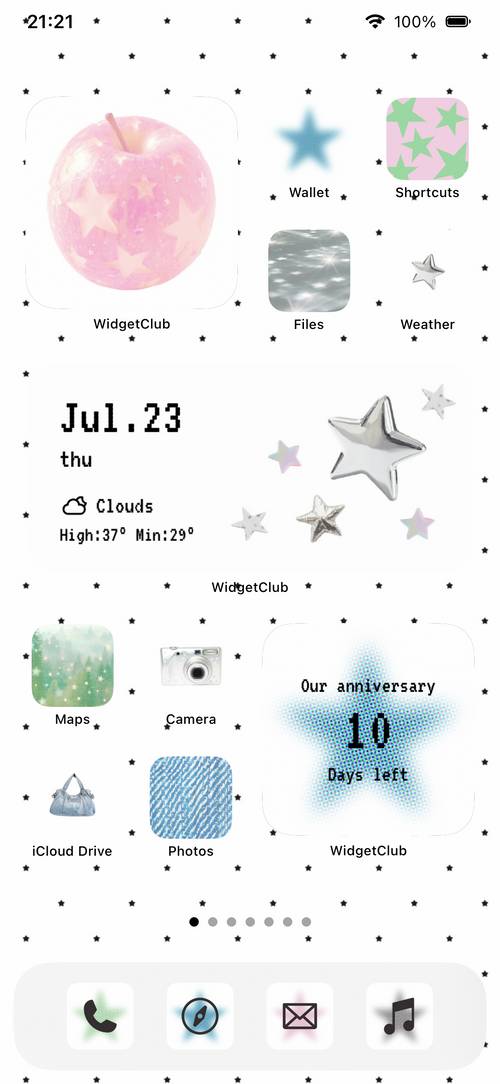


 cute
 simple
 South Korea
 Y2K
 Pastel colors
 Emotional
 Ryousangata
 Jirai Kei
 Black and white
 French girly
 neon
 bear



 music


 pink
 Retro
 Sparkling
 cat
🔒 Lock screen memoiPhoneiPad
Never miss a reminder. See plans and to-dos on your lock screen.
You can quickly check your schedule, weather, to-do list, and notes on the lock screen. There's no need to unlock your phone.
Your home screen, your way
A home screen customization app that lets you change wallpapers, widgets, and icons all at once.

Scan with your smartphonePoint your camera at it and the store will open.
*Ranked #1 in the Design category on the Japanese App Store (August 24-28, 2026)
Examples of easy-to-copy home screen customizations using widgets, icons, and wallpapers. They are listed in order of current popularity.
Music, weather, instant photos, and more—this list showcases popular widgets that you can use right on your home screen, including clocks, calendars, and photos.


 aquarium
 Hourly weatherweather
 lyricsmusic
 video camera
 Black iPodmusic
 100%battery
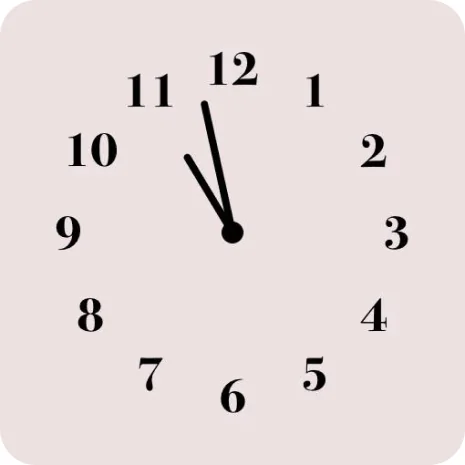 Analog clockclock


 Instaxphotograph
 weather

 Mix Music Diskfirst clubMusicmusic
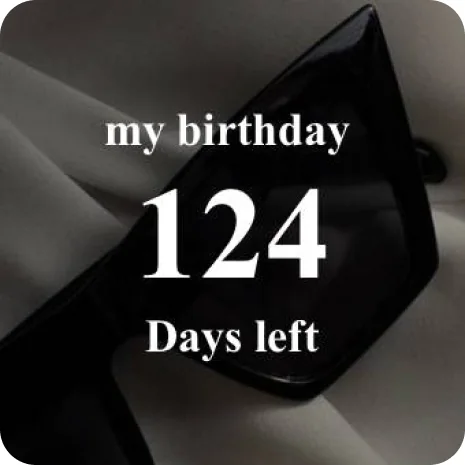 Countdown
 calendar
 Fortune telling
 Retro TV
 anniversary
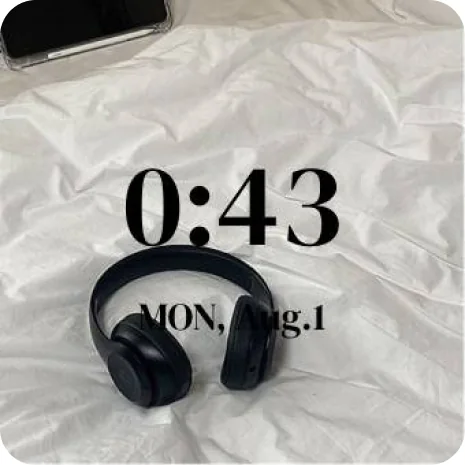 Digital Clocktime
 photograph
 Ribbon calendarcalendar
 date
 schedule
 Reminder
 YouTube
 Dot catGIF
Choose from over 10,000 icons. We've gathered popular app icon sets categorized by style to help you create a cohesive home screen design.
You can customize not only the home screen, but also the lock screen and charging screen to your liking.
You can quickly check your schedule, weather, to-do list, and notes on the lock screen. There's no need to unlock your phone.
When you connect the charging cable, your favorite videos and audio will play. You can also choose the clock font, charging icon, and stickers.
Simply insert your photos into your favorite design—whether it's a cell phone style, game console style, or instant camera style—and you can create an animated lock screen.
Customize your Control Center with cute icons and animations. Open apps, links, and shortcuts with a single tap.
You can find high-quality wallpapers for iPhone and Android, categorized by popular themes.


This is a popular lock screen combination featuring wallpaper and lock screen widgets.


This page features a selection of free live wallpapers and animated wallpapers that can be used on your smartphone's lock screen.
★★★★★"It's a one-year plan, but I intend to continue being a member."
xMakix2024/09/03
★★★★★"You can even turn videos into widgets, and I highly recommend the animated wallpapers!"
まな板の上にマナいた2026/07/29
★★★★★"My friends complimented me on my cute home screen ☺️"
韓国🇰🇷好き2026/05/03
★★★★★"My icon turned out so cute, my friends complimented me on it!"
Yuann01302024/11/15
★★★★★"I feel happy every time I open the screen!"
stone🎀2026/10/02
★★★★★"If you subscribe to premium, you can choose to have no ads or no restrictions."
(´ー`2025/03/15
★★★★★"I look so much more stylish now, I want to show it off to my friends!"
コウノドリサクラ2025/04/19
★★★★★"I created widgets for batteries and aquariums 😁"
な〜に〜~~‼2026/08/16
★★★★★"I've tried many different dress-up apps, but this one is the best."
ユチカー2026/09/15
★★★★★"Having a cute lock screen and home screen really lifts your spirits, doesn't it?"
肉離れ中のさめ2024/08/11
It's basically free. Some convenient features, such as weather widget display, unlocking all icons, and ad-free operation, as well as some templates, are available for a fee.
This app is compatible with iPhones and iPads running iOS 14.1 or later, and Android devices running OS 9.2 or later. The recommended environment is iOS 15.5 or later, and Android 11 or later.
This user guide is designed for beginners and includes explanations via YouTube videos. The help page allows you to search for frequently asked questions and troubleshooting solutions using keywords.
Would you like to sell and distribute original home screen customization content utilizing your company's content/IP? Achieve brand awareness and cultivate a loyal fanbase through the home screen of smartphones, which are used every day.
Corporate Inquiries
Make your home screen feel like yours.
Free to use on iPhone and Android.


